24-Hour Clock (FOSE)
⚪ Last updated 2019⚠️ Potentially Incompatible — Recent Game Update
This mod may not work until the author updates it. Check for an update, or see the rollback guide.
⚠️ Install Order · 2 steps
1🛠️ FOSE — Fallout Script Extender Download ↗
2🔧 UFO3P — Unofficial Fallout 3 Patch Download ↗
Install in this order, then this mod last — most mods fail to load without their framework and dependencies in place.
Preview
🔍 Analysis
- 👍 6.5% endorsement rate — high engagement, a strong quality signal
- 🏆 #64 of 437 Gameplay Effects and Changes mods in this game by downloads
📋 About This Mod
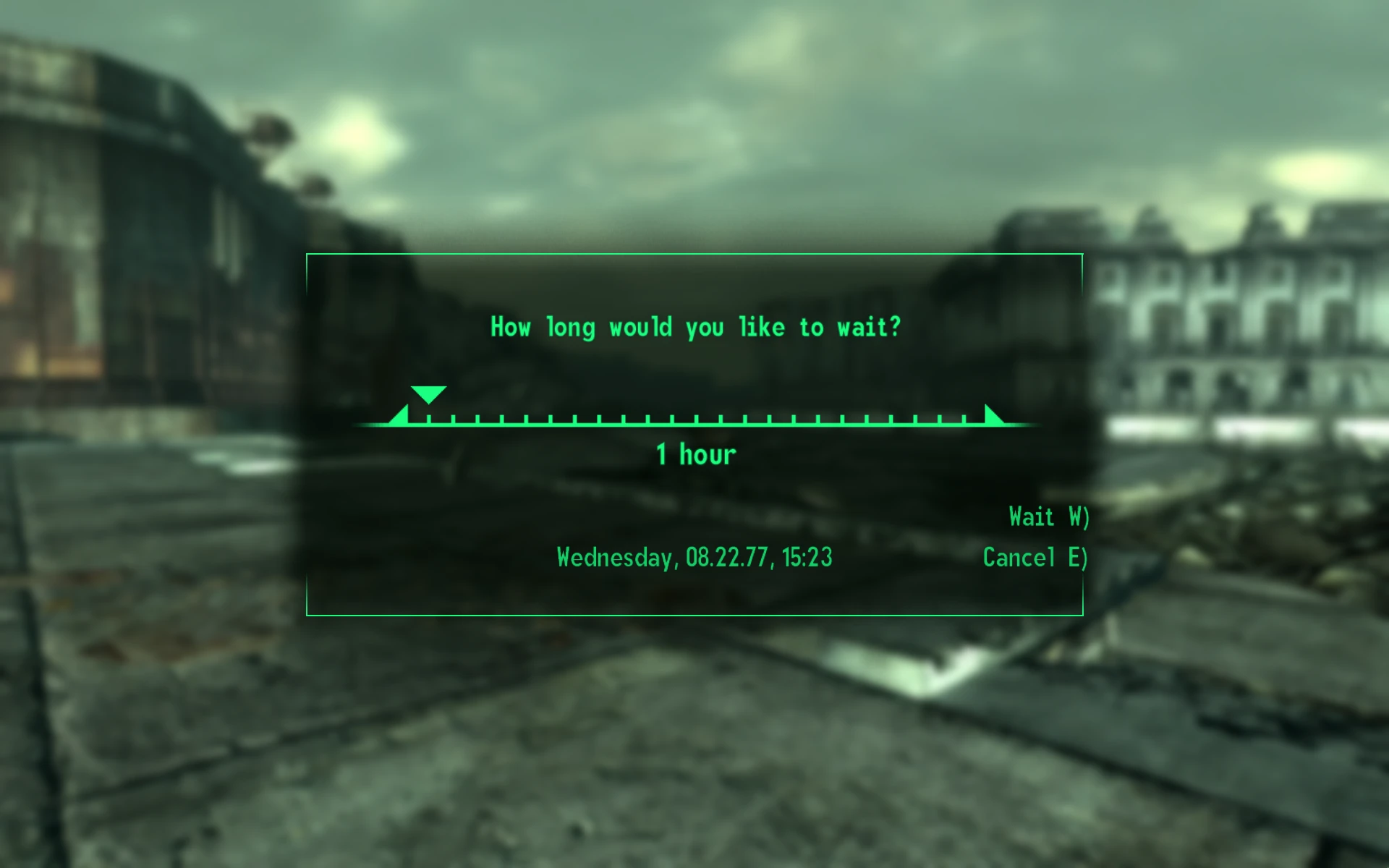
Changes the clock in Sleep Wait Menu to 24-hour system.
A small FOSE plugin that changes the clock in Sleep Wait menu to 24-hour system instead of 12-hour.
Ported from C6's New Vegas mod.
Included in lStewieAl's Tweaks
Installation
Use Mod Organizer 2/Nexus Mod Manager/FOMM, or manually extract the .zip file into your Fallout 3 'Data' folder.
📊 Mod Details
- Game
- Fallout 3 Mods
- Author
- C6
- Version
- 1.0
- Downloads
- 1,536
- Endorsements
- 100
- Category
- Gameplay Effects and Changes
- Created
- 6/11/2019
- Updated
- 6/11/2019
🔧 How to Install Fallout 3 Mods
Download from Nexus.
📖 Full step-by-step install guide for Fallout 3 →
Visit the official mod page for specific installation instructions for this mod.
🎮 Need cheat codes or console commands? Check ur gaming wiki for Fallout 3 commands, item IDs, and more.
Keep browsing — more Fallout 3 mods await