Brengo's Post-Processing Presets
⚪ Last updated 2023Preview
📋 About This Mod
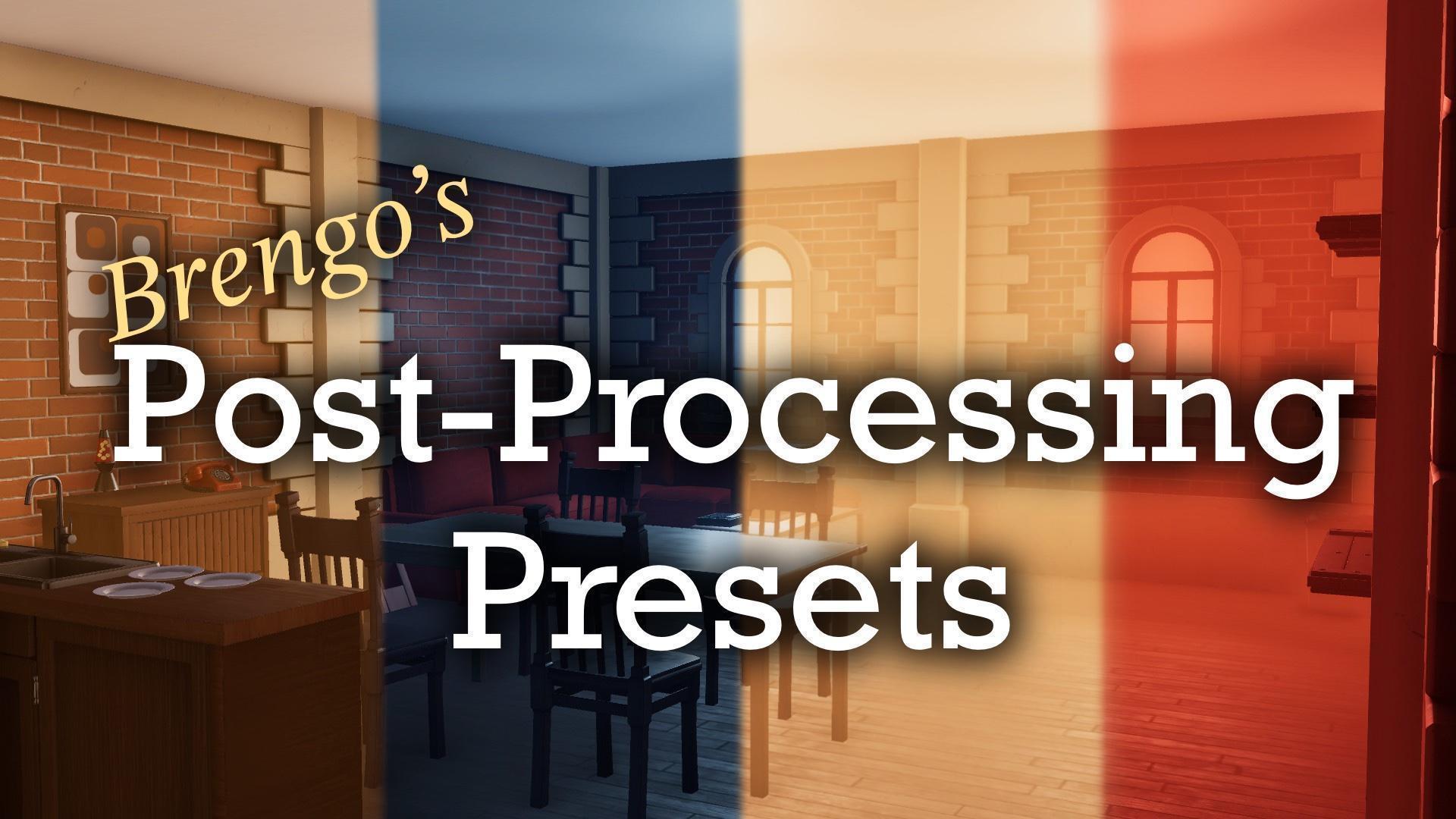
This is not a game, this is an asset pack. A room containing 15 unique post processing/fog presets to change the look, feel, and mood of your custom escape rooms. Also includes a room with togglable lights and rays to test each preset. How to add them to you room: 1. Download the map like you would normally. 2. In the community rooms tab, select the map and click COPY to download the files to your game. 3. Enter the editor in the room where you want the post processing preset to be loaded. 4. Select the pause menu on the top left of the screen (or hit esc by default), and select IMPORT. 5. Scroll down, locate the downloaded post processing preset map, and select it. 6. Selecting it will show a list of all 8 post processing presets available. Select one to add it to your map. Each preset is parented to an empty logic, allowing it to me moved around easily. The post processing and fog are fully adjustable if you want to adjust something. I hope you enjoy :P
📊 Mod Details
- Game
- Escape Simulator Mods
- Author
- 76561198116437922
- Version
- N/A
- Downloads
- 173
- Endorsements
- 0
- Category
- Environment
- Created
- 5/21/2023
- Updated
- 9/24/2023
🔧 How to Install Escape Simulator Mods
Subscribe on Steam Workshop. Mods auto-download and install. Launch the game to activate.
📖 Full step-by-step install guide for Escape Simulator →
Visit the official mod page for specific installation instructions for this mod.
🎮 Need cheat codes or console commands? Check ur gaming wiki for Escape Simulator commands, item IDs, and more.
Keep browsing — more Escape Simulator mods await