Y Elden Ring Modding Guide
⚪ Last updated 2024Preview
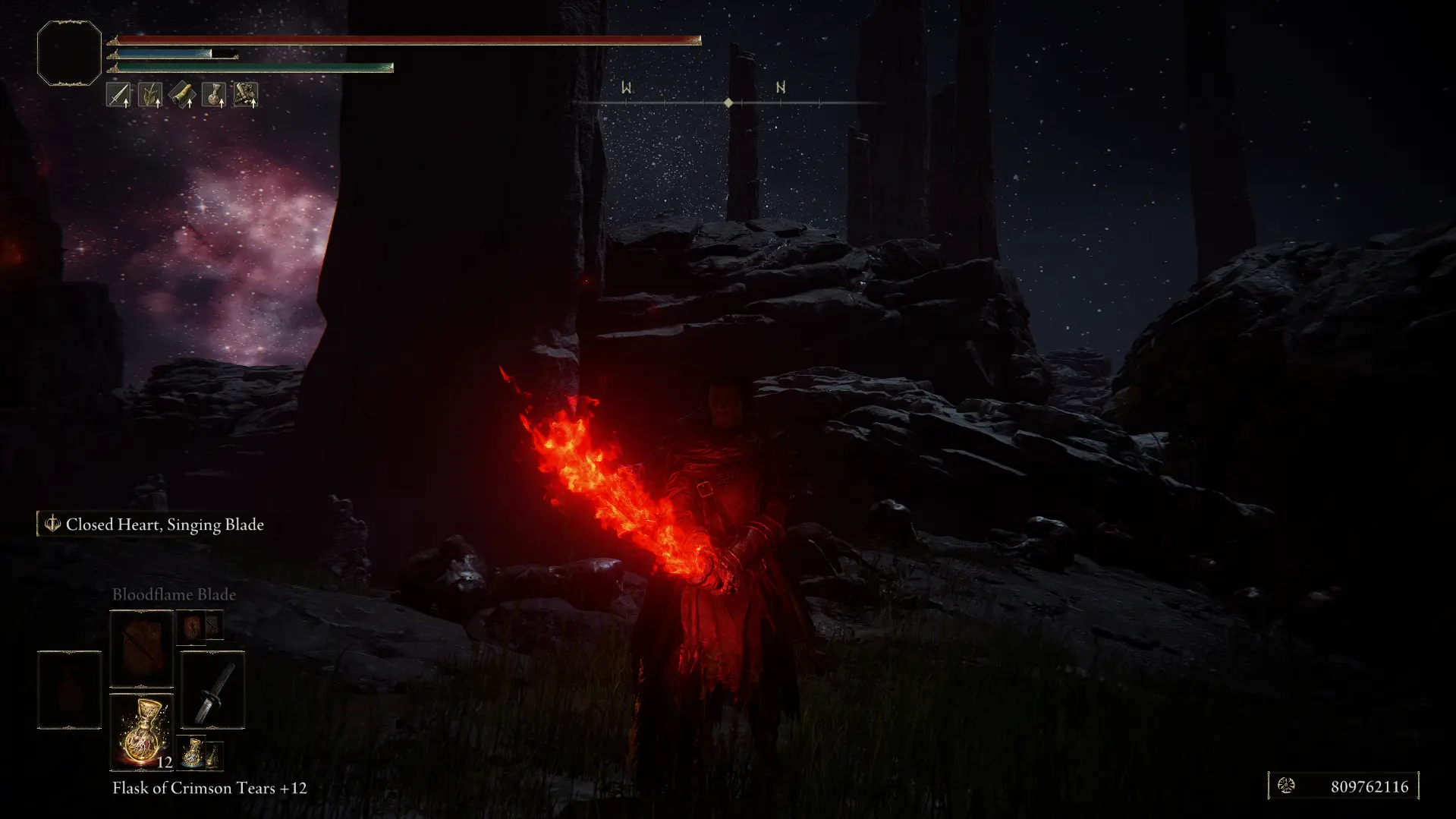
🔍 Analysis
- 👍 2.4% endorsement rate — high engagement, a strong quality signal
- 🏆 #32 of 157 Miscellaneous mods in this game by downloads
📋 About This Mod
Guide on my way to play Elden Ring
This guide will cover the way I have my Elden Ring set up. It will also double as a resource on some modding tools that can hopefully be easy to reference for myself and others.
Tool Requirements
-
[]Mod Engine 2
[
]Smithbox (Optional)[]Reshade with full addon support
Mod Requirements
-
[]From Stutter Fix Updated
[]Seamless Co-op
-
[]Posture bar mod
[]Camera Offset
Visuals
-
[]Temporal Super Sampling (Optional)
[]Disable Sharpening Filter (Use if using TSS)
[]Neutral Color Grading (Only LUTs)
[]Neutral Color grading for SoTE
[]Darker Nights (SotE DLC)
[]REVENANT ReShade
- []Sekiro Deflection
- Elden Mode
Starting Line
Step 1: Installing Mod Engine
Mod engine 2 is our mod loader of choice and is really the only tool you need for installing mods. Elden Mod Loader can be used in conjunction, but if you know how to use ME2 (Mod engine 2) you really don't need it.
To start, grab the latest release of ME2 and extract it to wherever you like. For this guide I have it extracted to my desktop. Open the folder so you can see a file named "launchmod_eldenring.bat". Leave that folder open, and we will move on.
Step 2: Installing . DLL files with ME2
While most mods that include a .dll file require Elden Mod loader and describe the installation process using that, you can actually install them all using ME2. To do this we will be editing the "config_eldenring.toml" file in the folder we have open. You can use any txt editor for this, but I would recommend either NotePad++ or VSCode.
First, we will install From Stutter Fix Updated. This mod prevents a large stutter associated with USB devices being plugged and unplugged, and I have found it quite good. To start, download the latest DLL version from the mod page linked above and extract it. Then move that dll file so it is in our Mod Engine 2 folder along with the toml and bat files. At this point, your folder should look like this.
Now open the config file previously mentioned and look for the following:
# List of files that will be loaded into the game as DLL mods.
# Absolute paths to mods are supported but must use '\\' to separate path items. For example, if your mod is at E:\coolstuff\coolmod.dll, you
-
[]Temporal Super Sampling (Optional)
-
[]From Stutter Fix Updated
📊 Mod Details
- Game
- Eldenring Mods
- Author
- Yoesph
- Version
- 1.1
- Downloads
- 836
- Endorsements
- 20
- Category
- Miscellaneous
- Created
- 7/9/2024
- Updated
- 7/14/2024
🔧 How to Install Elden Ring Mods
Download from Nexus Mods.
📖 Full step-by-step install guide for Elden Ring →
Visit the official mod page for specific installation instructions for this mod.
🎮 Need cheat codes or console commands? Check ur gaming wiki for Elden Ring commands, item IDs, and more.
Keep browsing — more Elden Ring mods await