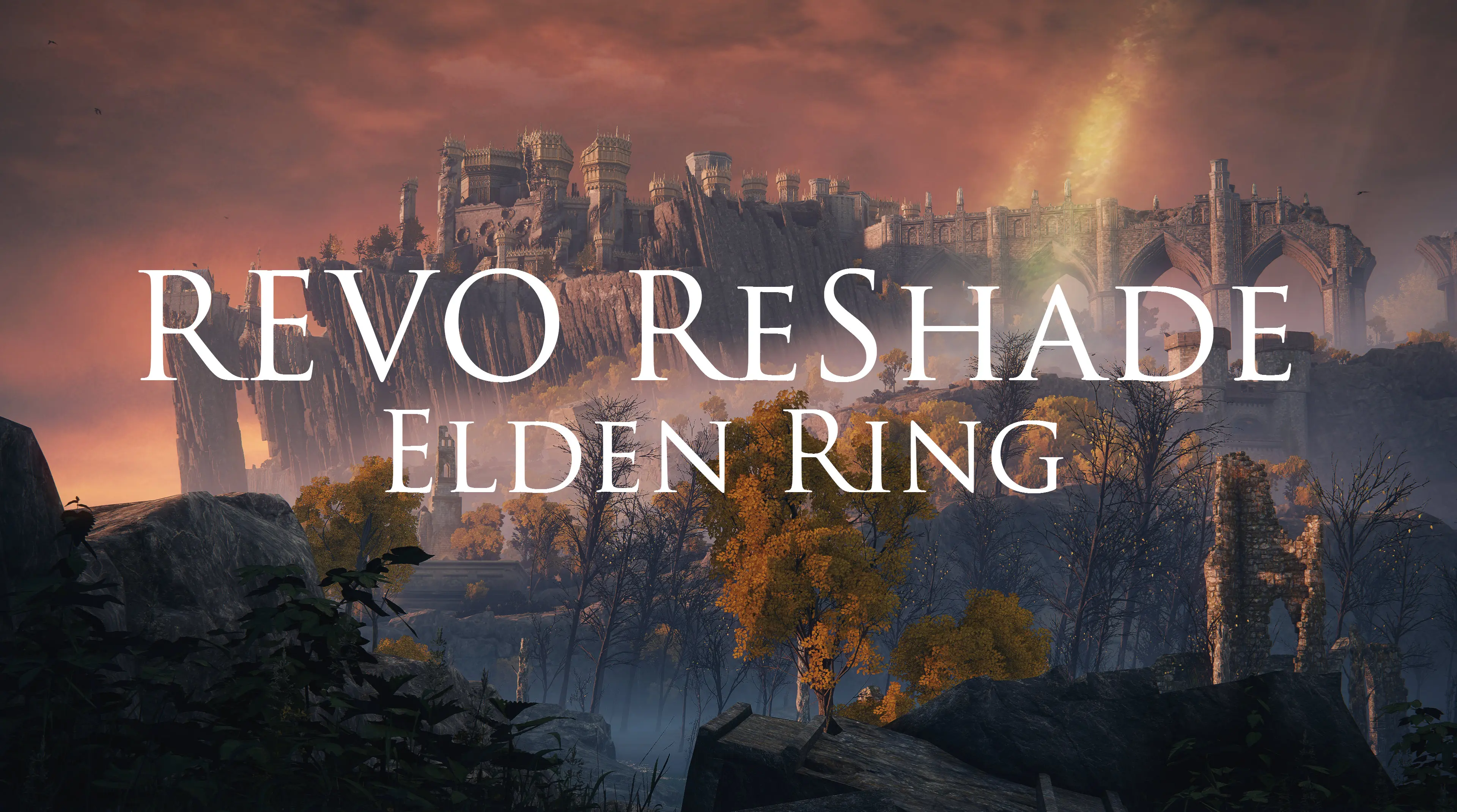
REVO ReShade v1.2
⚪ Last updated 2022Preview
🔍 Analysis
- 👍 3.7% endorsement rate — high engagement, a strong quality signal
- 🏆 #61 of 148 Visuals mods in this game by downloads
📋 About This Mod
From the creator of the #1 most downloaded and endorsed mod on the Nexus for The Legend of Zelda: Breath of the Wild running on Cemu! The main focus of this preset is to enhance the lighting and atmosphere of Elden Ring rather than trying
REVO ReShade v1. 1 Cinematic Trailer
for Elden Ring by Revolveré
eLs6rDVdh_w
REVO ReShade v1. 0
K8OxyzkvPXE
Join us at Digital Dreams Discord!
Come hang out with gamers, modders and reshaders from across the world!
Also, check out cinematic captures on my YouTube channel and virtual photography portfolio. Thanks!
If you like what you see, please endorse REVO ReShade or leave a comment.
Performance settings - ReShade
Check these settings within ReShade if you want a slight boost in performance
Home tab -> Performance Mode (you'll find it at the bottom right corner of the ReShade overlay)
Settings tab -> Only load enabled effects
(if you toggled off any shaders listed below then they won't appear on the home tab unless you disable this setting)
Toggleable Shaders - ReShade
- Prod80 Bloom (if you don't like the bloom effect) minor performance gain
- AMD FidelityFX (if you don't like the sharpening effect) minor performance gain
- ADOF (if you don't like the blur effect in the foreground and distance) medium performance gain
- Adaptive Fog (If you don't like the light fog in the distance. Also, see disclaimer below) minor performance gain
Disable shaders to your liking. Also, disabling some of these shaders can give you better performance.
- Check performance settings above for additional performance gains
*RTGI users
- If you find that the foliage is looking jagged or shimmering too much you can try to increase the Ray Amount. Ray Amount is set to 3 by default
- WARNING. Increasing Ray Amount will also decrease your performance quite a bit.
- PERFORMANCE: You can lower the Ray Amount for RTGI to 1 or 2 to save some performance. Lowering RA can introduce shimmering artifacts
Disclaimers
- You will notice the adaptive fog while looking at your inventory, map, briefly during loading screens or occasionally in very dark areas like dungeons/catacombs.
This only happens here so, please ignore it or simply turn off Adaptive Fog if you reall
📊 Mod Details
- Game
- Eldenring Mods
- Author
- Revolvere
- Version
- 1.2
- Downloads
- 4,695
- Endorsements
- 173
- Category
- Visuals
- Created
- 3/3/2022
- Updated
- 3/29/2022
🔧 How to Install Elden Ring Mods
Download from Nexus Mods.
📖 Full step-by-step install guide for Elden Ring →
Visit the official mod page for specific installation instructions for this mod.
🎮 Need cheat codes or console commands? Check ur gaming wiki for Elden Ring commands, item IDs, and more.
Keep browsing — more Elden Ring mods await