FPS Tweaks for Low End PC's
⚪ Last updated 2020Preview
🔍 Analysis
- 👍 2.8% endorsement rate — high engagement, a strong quality signal
- 🏆 #3 of 222 Gameplay mods in this game by downloads
📋 About This Mod
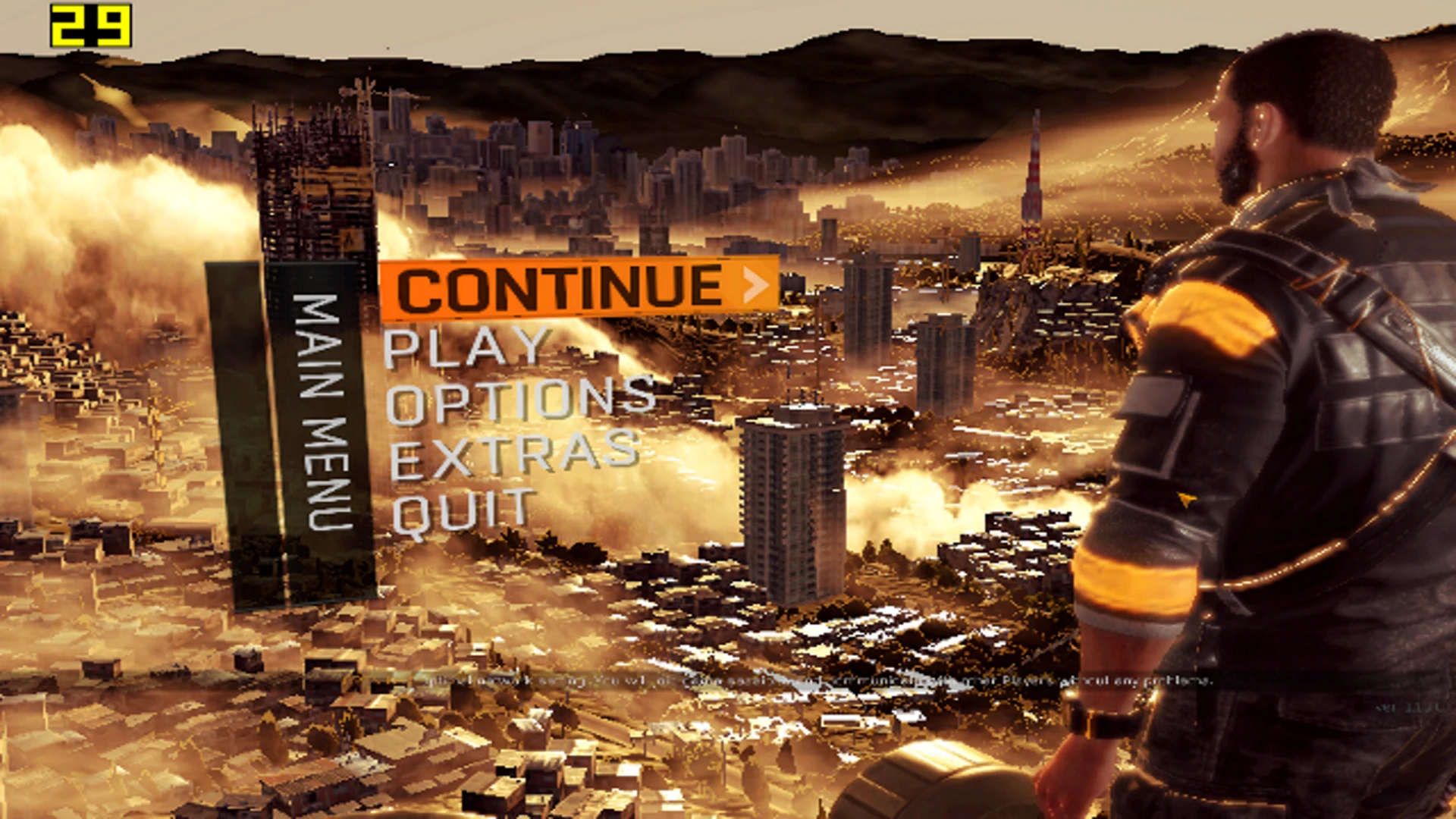
This FPS Tweak "mod" will boost your game by at least 10-20 fps. It's not just a simple mod that disables Shadows and Film Grain, this disables: Shadows, Clouds, Dust Particles, Film Grain, Rain Drops, Depth of Field (partially disabled), All Motion-Blur Effects, etc.
How to Install:
Copy video.scr to: Documents/DyingLight/out/settings
Copy Data3.pak to: Dying Light (game folder)/DW
This works just perfectly fine with an Intel HD Graphics 1st gen, 4GB RAM (it was stuttery with 4GB RAM, but changed to 12GB RAM now and the stutter is gone, so that's the only fix if you stutter a lot) and Intel Celeron 1000M at almost solid 30 fps. Completed campaign already 2 times in 3 days. It's playable.
Update v1. 15: Updated the mod so it can work with patch 1. 15 and disabled Chromatic Aberration.
Update v1. 16: Updated the mod so it can work with patch 1. 16 and fixed graphical bugs like: black water, clothes not rendering, trees invisible in The Following and Chromatic Aberration is fully disabled. Also edited a lot of files in Data3.pak and video.scr.
Update v1. 16. 2: Removed Head Bobbing for motion sickness people.
Update v1. 23:
-Updated the mod to work with patch 1. 23.
-Removed unnecessary mods that I have accidentally added.
-Re-enabled Head Bobbing as it would cause some bugs.
-Added a "Better Looking Mod" version which tries to maintain the original game look and also increase FPS.
-Sorry for the inconvenience. Won't happen next time <3
Tutorial: My old channel got deleted, I made a new channel 1 year ago, will probably make a new tutorial soon.
FPS Tweaks for Low End PC's is a performance mod for Dying Light that boosts FPS by 10-20 by disabling shadows, clouds, and dust particles. It includes two files to copy into the game directory. With 1,221 endorsements and 44,320 downloads, it's a popular choice for low-end PC players.
✨ Key Features
📊 Pros & Cons
✅ Pros
- Solid performance boost for low-end rigs (10-20 FPS)
- Community-trusted with 1,221 endorsements and 44k downloads
- Simple manual install—no mod manager needed
⚠️ Cons
- Last updated in 2020—may not work with current Dying Light patches
- Disables visual effects, so the game will look noticeably worse
- No detailed instructions or troubleshooting provided by the author
For Dying Light players on low-end PCs who struggle with frame rates and want a quick performance boost. Skip if you care about visual fidelity or play on a high-end system.
💡 Beginner Tips
- Make sure to back up your original video.scr and Data3.pak files before replacing them, so you can revert if needed.
- Place video.scr in Documents/DyingLight/out/settings and Data3.pak in the Dying Light game folder exactly as described.
- If the game updates, re-check the mod's compatibility—it hasn't been updated since 2020.
📊 Mod Details
- Game
- Dyinglight Mods
- Author
- EricPlayZ
- Version
- 1.23
- Downloads
- 44,320
- Endorsements
- 1,221
- Category
- Gameplay
- Created
- 4/8/2018
- Updated
- 4/10/2020
🔧 How to Install Dyinglight Mods
Download from Nexus Mods.
📖 Full step-by-step install guide for Dyinglight →
Visit the official mod page for specific installation instructions for this mod.
🎮 Need cheat codes or console commands? Check ur gaming wiki for Dyinglight commands, item IDs, and more.
Keep browsing — more Dyinglight mods await