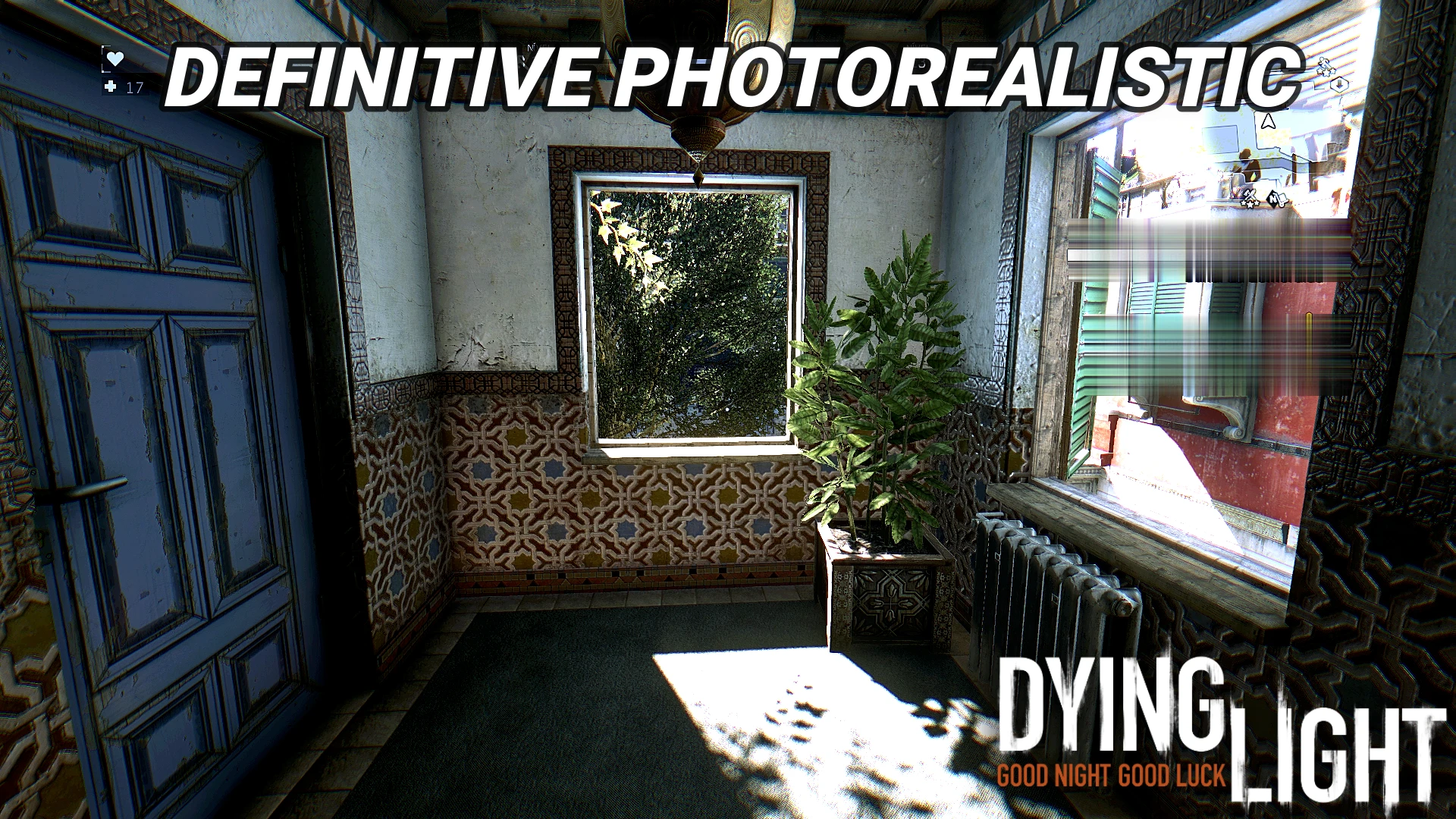
DL - Definitive Photorealistic (Next Gen Update)
🟠 Updated over a year agoPreview
🔍 Analysis
- 👍 2.6% endorsement rate — high engagement, a strong quality signal
- 🏆 #15 of 129 Visuals and Graphics mods in this game by downloads
📋 About This Mod
if you like my mods,consider
supporting me on Ko-fi :D
What It Changes
Ajusted Colors
Ajusted Brightness
Ajusted Contrast
Added Global Illumination
also removed the yellish filter of the game without making the yellow levels worse
Gameplay comparative
-uvAGBOomLU
comparative images;
_______________________________________________________
"Hey what type of mod it is ?" Its a Reshade mod
"Alright, How i Install it?" Check this video :D
(or scroll down to see the instructions)
ble4LLSg3-o
How To Install
1. Download ReShade2. Run The Setup and select Dying Light
3. Select the Direct X 10/11/12 Render API
4. On the "select preset to install" press skip
5. Do not uncheck any of the automatically selected effects and click next
6. Now that Reshade is installed, download and extract the file to your game's main folder
7. Open the game
8. Open the Reshade menu (the default key is Home), start or skip the tutorial
9. Open the preset menu in the section Home and select the
DL - Definitive PhotorealisticDL - Definitive Photorealistic (Next Gen Update) is a visual overhaul mod for 7 Days to Die that tweaks contrast, brightness, and image quality, adds global lighting to make nights and dark areas realistically darker, removes the yellow/green filter, and improves overall visuals. With 166 endorsements and 6,325 downloads, it's a moderately popular choice for players seeking a more immersive, darker atmosphere.
✨ Key Features
📊 Pros & Cons
✅ Pros
- Community-tested with 166 endorsements and over 6,300 downloads.
- Makes nights genuinely dark—you'll actually need a flashlight, which is a game-changer for horror vibes.
- Kills that ugly yellow/green tint, so colors look natural and crisp.
⚠️ Cons
- Darkness might be too intense for some—you'll be squinting in caves and at night, so keep that flashlight handy.
- Visual mods like this can clash with other lighting or texture overhauls, so check your load order.
- No explicit mention of compatibility with the latest game version, so it might break after updates.
For 7 Days to Die players who want a more immersive, realistic visual experience, especially those who love tense nighttime survival. If you're tired of the default washed-out look and want deeper shadows and better contrast, this is for you. Skip if you prefer bright, arcade-style visuals or if you're running other heavy lighting mods that might conflict.
💡 Beginner Tips
- Since this mod makes nights darker, always carry a flashlight or mining helmet—you'll need it.
- If you're using other visual mods, install this one last to avoid conflicts.
- Test the darkness level in a new game first; if it's too dark, you can adjust your gamma settings in-game.
📊 Mod Details
- Game
- Dyinglight Mods
- Author
- DIRECREEP
- Version
- 1.0
- Downloads
- 6,325
- Endorsements
- 166
- Category
- Visuals and Graphics
- Created
- 2/8/2023
- Updated
- 8/9/2025
🔧 How to Install Dyinglight Mods
Download from Nexus Mods.
📖 Full step-by-step install guide for Dyinglight →
Visit the official mod page for specific installation instructions for this mod.
🎮 Need cheat codes or console commands? Check ur gaming wiki for Dyinglight commands, item IDs, and more.
Keep browsing — more Dyinglight mods await