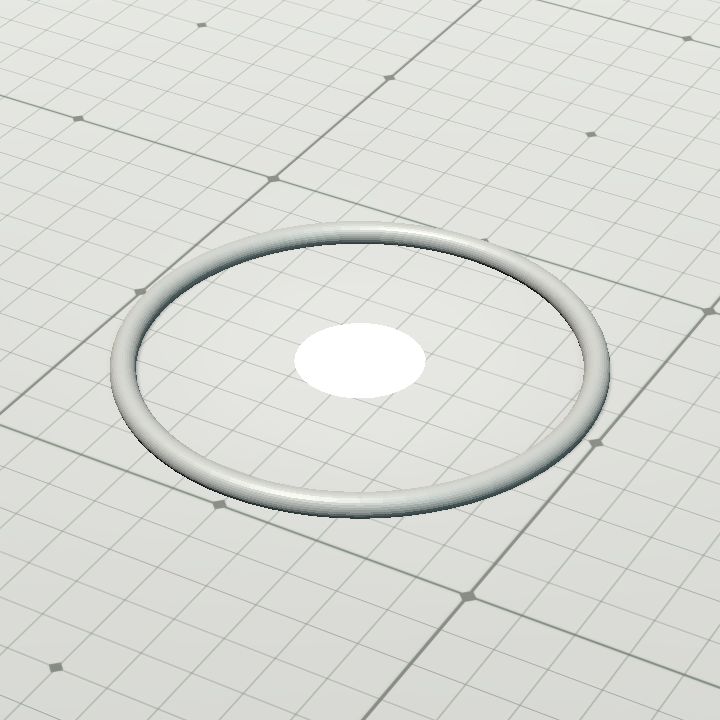
SR19 IC's Status Ring, Gray
🟠 Updated over a year agoPreview
🔍 Analysis
- 👍 0.0% endorsement rate
- 🏆 #894 of 2372 Asset, Category mods in this game by downloads
📋 About This Mod
Instructions for use: 1. Pick an avatar that represents your NPC or PC. That can be a token object, a free placement object, or an object that snaps to the grid (but it can't be an object that snaps to walls, or a free-floating light object.) 2. Set down the status ring in an approximate location that would be legal for you to place your avatar. E. G. if you're using a 2x2 token that can only be placed at the intersection of 4 squares, place the status ring at that intersection. For large avatars, you may need to scale up the ring. 3. Place a token base. That token base can be one of IC's token bases, or another object that serves as a token base. 4. Form a sandwich with the three objects, noting that if you place a large token on an enlarged status ring, you can scale down a large figure to fit into a 1x1 token base and it now works as a 1x1 token instead of a 2x2 token.
📊 Mod Details
- Game
- Dungeon Alchemist Mods
- Author
- 76561198025007323
- Version
- N/A
- Downloads
- 970
- Endorsements
- 0
- Category
- Asset, Category
- Created
- 3/17/2025
- Updated
- 3/17/2025
🔧 How to Install Dungeon Alchemist Mods
Subscribe on Steam Workshop. Mods auto-download and install. Launch the game to activate.
📖 Full step-by-step install guide for Dungeon Alchemist →
Visit the official mod page for specific installation instructions for this mod.
🎮 Need cheat codes or console commands? Check ur gaming wiki for Dungeon Alchemist commands, item IDs, and more.
Keep browsing — more Dungeon Alchemist mods await