Ellise's Unique High Res Textures for Custom Hawke Families
⚪ Last updated 2016Preview
🔍 Analysis
- 👍 7.7% endorsement rate — high engagement, a strong quality signal
- 🏆 #144 of 310 Companions mods in this game by downloads
📋 About This Mod
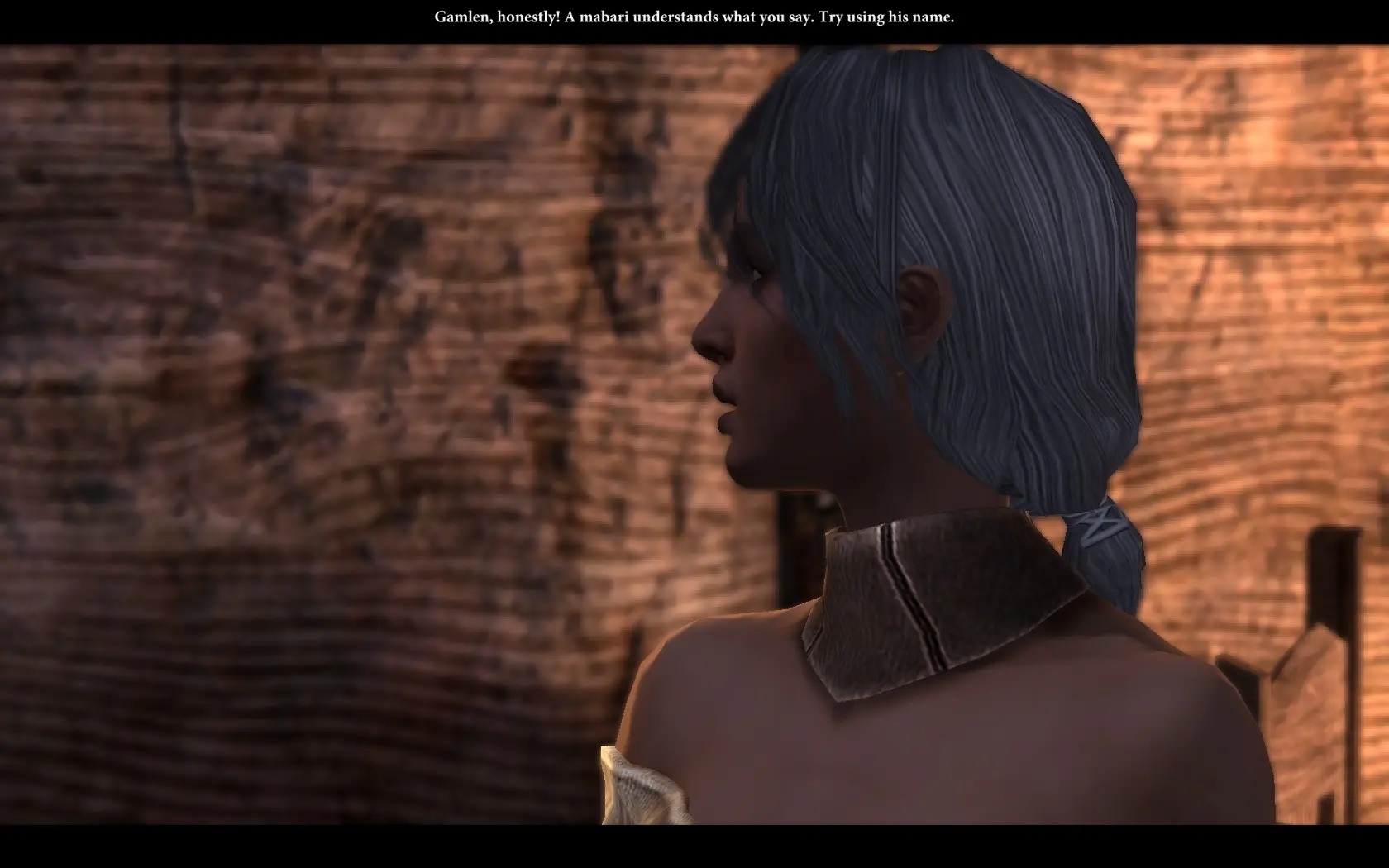
All custom Hawke family morphs with Ellise's excellent high resolution free-to-modify-with-credit unique textures applied. Available in both custom and iconic hair varieties, packed by character for easy mixing and matching.
All thanks and credit goes to Ellise for her Unique Face Textures for Companions mod, which is free to modify and redistribute with credit! You may check out the high res versions for the other companions, including Tallis, and Cassandra here.
Hello, and welcome to the High Res Custom Hawke Family mod! This mod uses all of the face textures created by Ellise for the Hawke family reapplied to the Hawke family for custom Hawkes, and preserves all morph and skin tone information for each family member. This mod has two versions, one that retains custom hair information and one that replaces all hair variations with that of the default iconic Hawke family. Each family member is available here as a separate .erf, and may be mixed and matched with family from the Custom Hair version and Iconic Hair version of this mod if so desired. Please note that in order to avoid a texture issue for Carver, I had to steal Gamlen's eyebrows, which does not appear to cause any problems.
Installation: Paste the .erf files for the desired family members into your Override folder. If you do not know where your "Override" folder is, it is found under the same Dragon Age 2 folder that stores your user data (this is the same Dragon Age 2 folder where any screenshots taken in-game will be stored). This will usually be found in your "My Documents" or "Documents" folder, in the "Bioware" folder, and is NOT the one found under your Program Files. This should be the case for both Macs and PCs, but if you have wound up with an alternate filepath, try to find your in-game screencaps folder and navigate up to the "Dragon Age 2" folder. Once you are in this folder, go into "packages", then "core". There should already be a folder named "override" in here; if there is none, and are sure you are in the right location, you may create one. Once in the "override" folder, you can just paste the files there. Please let me know if you have any issues, ideally with as much information about which family member morph you have as possible! (Please be aware that I am faceblind and may need some handholding in finding your particular morph.)
Uninstallation: Delete the .erf files from your Override folder
Permissions: I mean, literally all I did was edit the .mor and Carver's .mao files and paste in Ellise's custom morph information, but if you're doing a mod that requires all of the high res custom Hawke morphs and don't want to redo all the drudge work, knock yourself out? Just make sure to credit Ellise for the original mod.
Images: Look, there are nine variations of all four Hawke family members plus an infected appearance for each sibling and the zombie appearance for Leandra, and everyone but Gamlen has a variation with iconic vs. custom hair. I'm not doing screencaps of everyone, particular
📊 Mod Details
- Game
- Dragonage2 Mods
- Author
- QuenchedSteel
- Version
- 1.3
- Downloads
- 2,714
- Endorsements
- 209
- Category
- Companions
- Created
- 6/12/2016
- Updated
- 8/30/2016
🔧 How to Install Dragon Age 2 Mods
Download from Nexus Mods.
📖 Full step-by-step install guide for Dragon Age 2 →
Visit the official mod page for specific installation instructions for this mod.
🎮 Need cheat codes or console commands? Check ur gaming wiki for Dragon Age 2 commands, item IDs, and more.
Keep browsing — more Dragon Age 2 mods await