Take All Script
⚪ Last updated 2013Preview
🔍 Analysis
- 👍 4.0% endorsement rate — high engagement, a strong quality signal
- 🏆 #32 of 55 Utilities mods in this game by downloads
📋 About This Mod
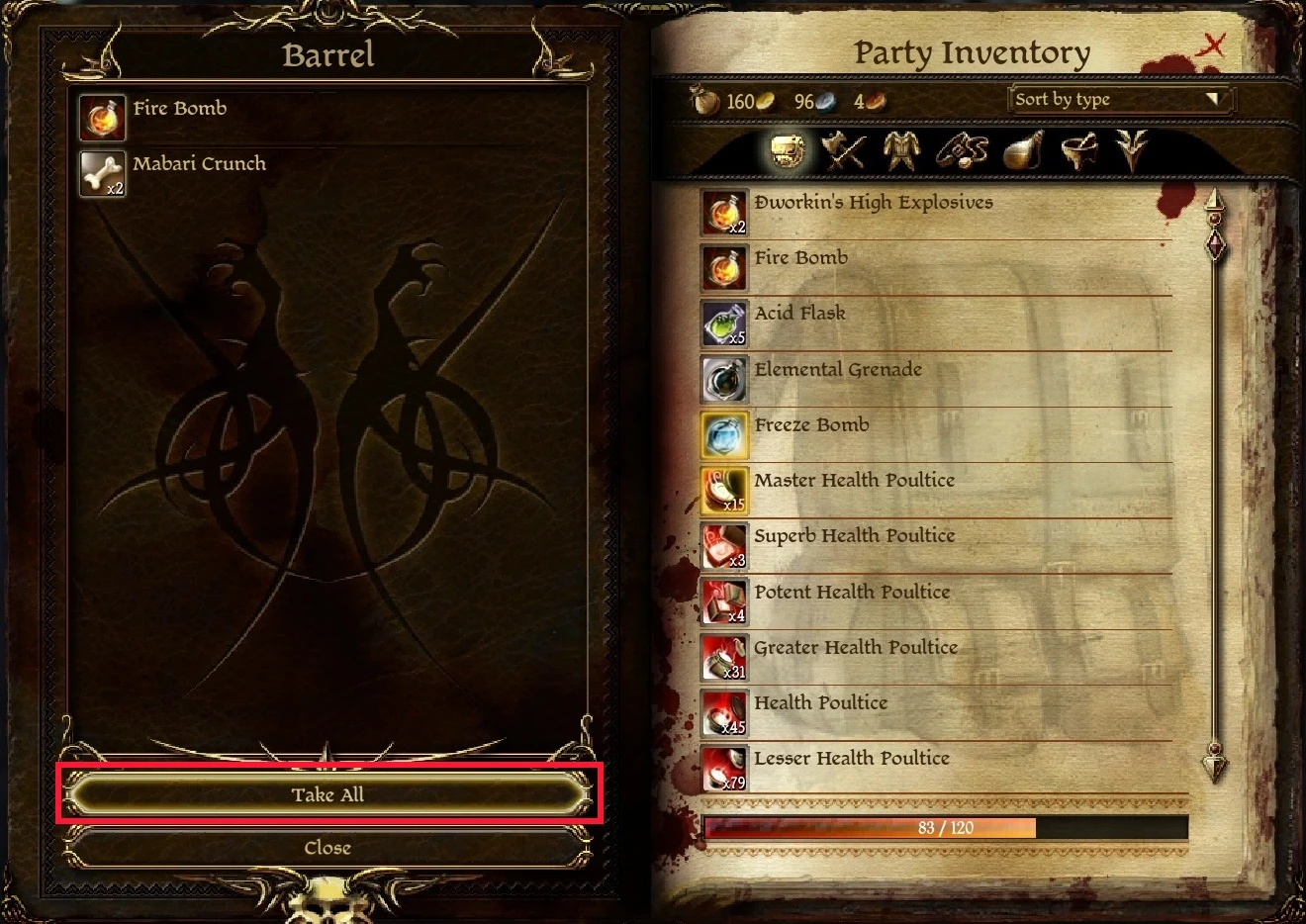
This is a simple utility that clicks on the "Take All" item button in the loot menu when the key ~ (tilde) is pressed. Includes two EXEs one for 64-bit and the other for 32-bit.
It requires:
1) That you use the screen resolution of 1920x1080
2) The mod "FtG UI Mod - More Readable Fonts and UI" (http://dragonage.nexusmods.com/mods/73)
1) Unzip file to desired location
2) Run the correct . EXE file
3) Launch Dragon Age : Origins
4) In the item loot menu press ~ to take all items
The AHK (AutoHotKey) script is included for those who use other resolutions.
📊 Mod Details
- Game
- Dragonage Mods
- Author
- Deanoman
- Version
- 1.0
- Downloads
- 2,850
- Endorsements
- 114
- Category
- Utilities
- Created
- 10/14/2013
- Updated
- 10/14/2013
🔧 How to Install Dragon Age: Origins Mods
Download from Nexus Mods.
📖 Full step-by-step install guide for Dragon Age: Origins →
Visit the official mod page for specific installation instructions for this mod.
🎮 Need cheat codes or console commands? Check ur gaming wiki for Dragon Age: Origins commands, item IDs, and more.
Keep browsing — more Dragon Age: Origins mods await