Stay Still in CC
⚪ Last updated 2022Preview
🔍 Analysis
- 👍 3.3% endorsement rate — high engagement, a strong quality signal
- 🏆 #1 of 16 Animation mods in this game by downloads
📋 About This Mod
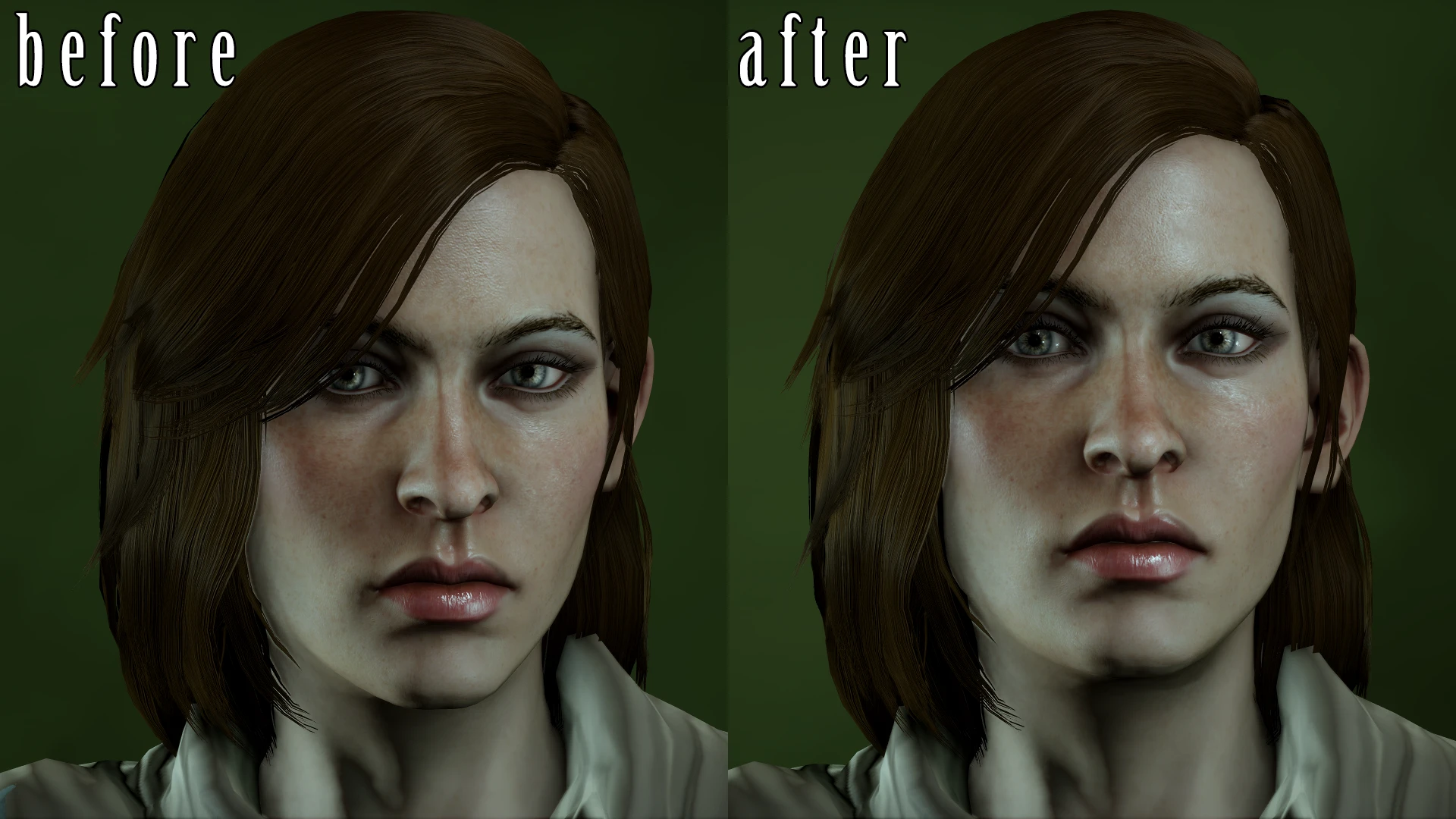
Characters will now stand with their head still. They will continue to blink as normal, and their mouth should still move as expected when listening to their voice options.
There are 2 options for the pose the characters can use in character customization, see the FAQ or the video for a comparison.
Video Preview
VQyujuBjoaY
Q1: Will this work in the mirror of transformation at the black emporium?
A1: Yes, but the natural version will use the stock-still pose at the black emporium.
Q2: Will this mod work when first creating my character?
Q3: Will this work on both the inquisitor and Hawke?
Q4: What do the DAIMM and frosty in the file names mean?
A4: DAIMM = version of the mod for people using dai mod manager. Frosty = version of the mod
for people using frosty mod manager.
Q5: Do I need to use both the DAIMM and frosty versions of the mod at once?
A5: No, there's no reason to do that.
Q6: What is the difference between the stock-still version and the natural version?
A6: You can see the video if you need a comparison. But if you want a written explanation...
Stock-still version: characters stand in A-pose in all instances of character customization (stood very still with arms pointing diagonally downwards.) Not a very natural-looking pose but you shouldn't notice the arms too much anyways unless you're zoomed out, presumably you're going to spend most time customizing your character zoomed in on their face anyways.
Natural version: characters stand rather still but may move ever so slightly, not distractingly so. their arms are by their side during character creation of the inquisitor, and customization of Hawke, but not in the mirror of transformation at the black emporium, there they will use the less-natural looking A-pose instead, since the natural pose didn't want to load there.
Q7: Do I need to use both the stock-still version and natural version at the same time?
A7: No, don't do that, just pick one or the other.
Q8: Will this work on different genders and races?
A8: Yes.
Q9: Characters are doing the A-pose outside of character customization. Is this mod the cause?
A9: No, this mod only edits the character customization pose. If you see the A-pose elsewhere, it is only a coincidence - the pose the mod uses is just the generic pose chara
Stay Still in CC is a small animation mod for Frosty or DAI mod manager that stops characters from nodding their head side to side during character customization. It has 1,347 endorsements and was last updated in February 2022.
✨ Key Features
📊 Pros & Cons
✅ Pros
- Community-approved with 1,347 endorsements and over 40k downloads.
- Solves a specific annoyance for players who want a stable view while customizing.
- Lightweight and simple—does exactly what it says.
⚠️ Cons
- Last updated in 2022—may not work with the latest game patches.
- Only affects head nodding; other idle animations remain unchanged.
- Requires a mod manager, so manual installers might need extra steps.
For Dragon Age players who spend time in character creation and get distracted by the constant head movement. If you're a perfectionist tweaking every slider, this mod gives you a steady view. Skip if you rarely customize characters or don't mind the idle animation.
💡 Beginner Tips
- Use Frosty Mod Manager for Dragon Age: Inquisition; it's the standard tool for mods.
- Make sure to run the mod manager as administrator to avoid installation issues.
- If you're using DAI mod manager, check for compatibility with your game version before installing.
📊 Mod Details
- Game
- Dragon Age Mods
- Author
- Dmitrias
- Version
- 1
- Downloads
- 40,298
- Endorsements
- 1,347
- Category
- Animation
- Created
- 1/23/2022
- Updated
- 2/18/2022
🔧 How to Install Dragon Age Mods
Download from Nexus.
📖 Full step-by-step install guide for Dragon Age →
Visit the official mod page for specific installation instructions for this mod.
🎮 Need cheat codes or console commands? Check ur gaming wiki for Dragon Age commands, item IDs, and more.
Keep browsing — more Dragon Age mods await