DA Normal Map Conversion Photoshop Actions
⚪ Last updated 2014Preview
🔍 Analysis
- 👍 6.0% endorsement rate — high engagement, a strong quality signal
- 🏆 #2 of 22 Utilities mods in this game by downloads
📋 About This Mod
PS actions to convert between tangent space and DA normal maps. Modders resource.
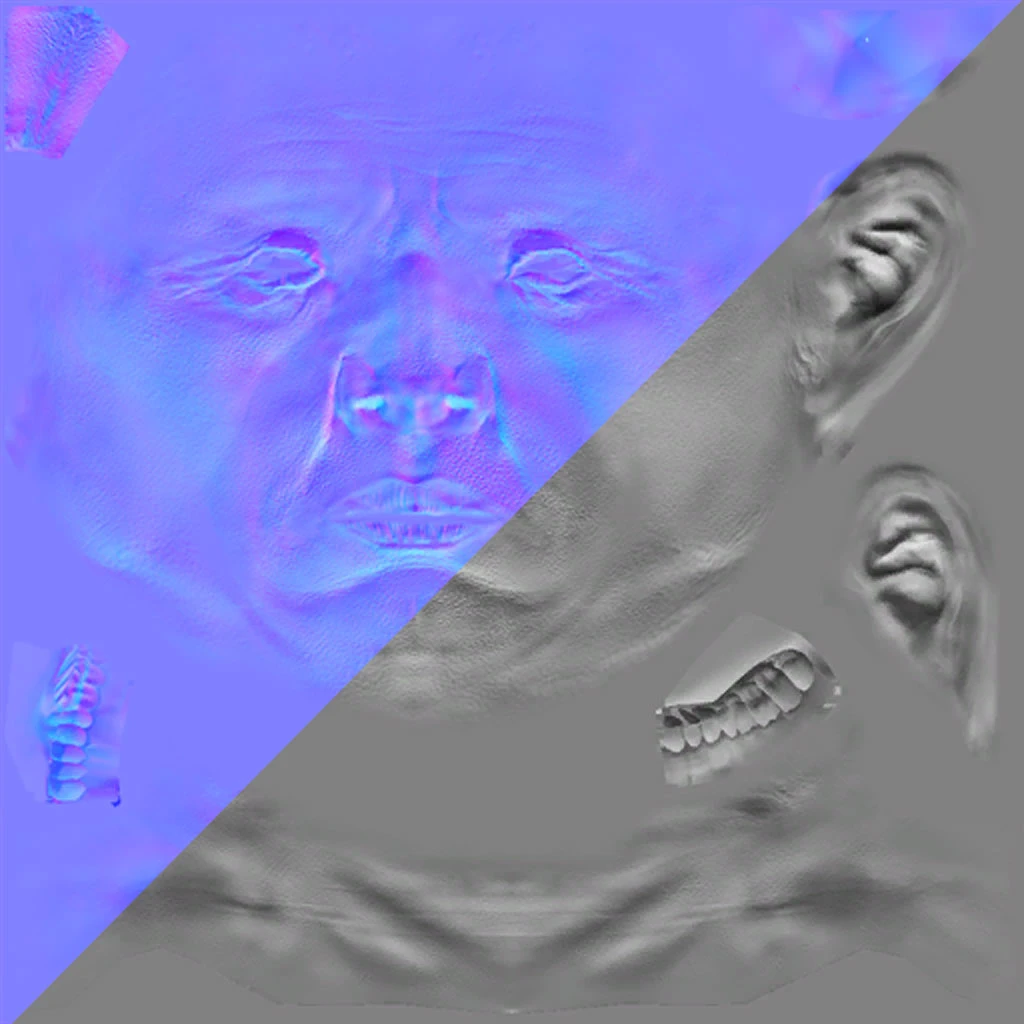
DA uses a variant of the 2 channel normal map, where only X and Y data is stored in the map and the Z data is calculated by the game at runtime. Outside of game engines, it is more typical to use tangent space normal maps (blue looking) that store all 3 directions in the map. These will typically be what is generated when creating custom content in ZBrush or the like. I made a couple of Photoshop actions to allow quick conversion back and forth between these two types.
The conversion from tangent space to DA NM is likely the one of most use to people, but the other action that converts back to tangent space may be of interest for those doing out of engine activities, like rendering models in a 3D app. Note that the action does not properly recreate the Z data, it just fills the blue channel with 100% white, so it is only an approximation of a proper tangent space conversion. If you want to recreate the Z data, run the converted map through nVidia's NormalMapFilter using the "normalize only" option.
Additionally, I have provided a DA2 to DA1 action, which may be useful for people porting DA2 content into DA1. Technically DA2's maps should be compatible as-is, as they are still 2 channel, with X in the A channel and Y in the G channel. They just have the R and B channels filled with white and black respectively, whereas DA1's maps duplicate the Y data in R and B. I doubt the engine reads the R and B channels in either case, but it's there for people that want it regardless.
Originally uploaded on the Bioware Social Site, mirrored here now with Bioware freezing projects and planning to eventually remove them.
Instructions:
To install the Action, either place the ATN file in the appropriate PS folder, typically
%appdata%/Adobe/Adobe Photoshop <version>/Presets/Actions
or simply load it from the Action palette inside PS.
Requires starting from a straight RGB tangent space normal map that is flattened with no Alpha channel. The Action will convert the image into a flattened RGBA DA-formatted map. Once the Action has been run, simply save out as a DXT5 DDS.
📊 Mod Details
- Game
- Dragon Age Origins Mods
- Author
- DarthParametric
- Version
- 2.0
- Downloads
- 805
- Endorsements
- 48
- Category
- Utilities
- Created
- 1/3/2014
- Updated
- 1/3/2014
🔧 How to Install DA: Origins Mods
Use DAO Mod Manager.
📖 Full step-by-step install guide for DA: Origins →
Visit the official mod page for specific installation instructions for this mod.
🎮 Need cheat codes or console commands? Check ur gaming wiki for DA: Origins commands, item IDs, and more.
Keep browsing — more DA: Origins mods await