Gritty Doom (2024 Partial Fix)
⚪ Last updated 2024Preview
🔍 Analysis
- 🏆 #164 of 229 Visuals and Graphics mods in this game by downloads
📋 About This Mod
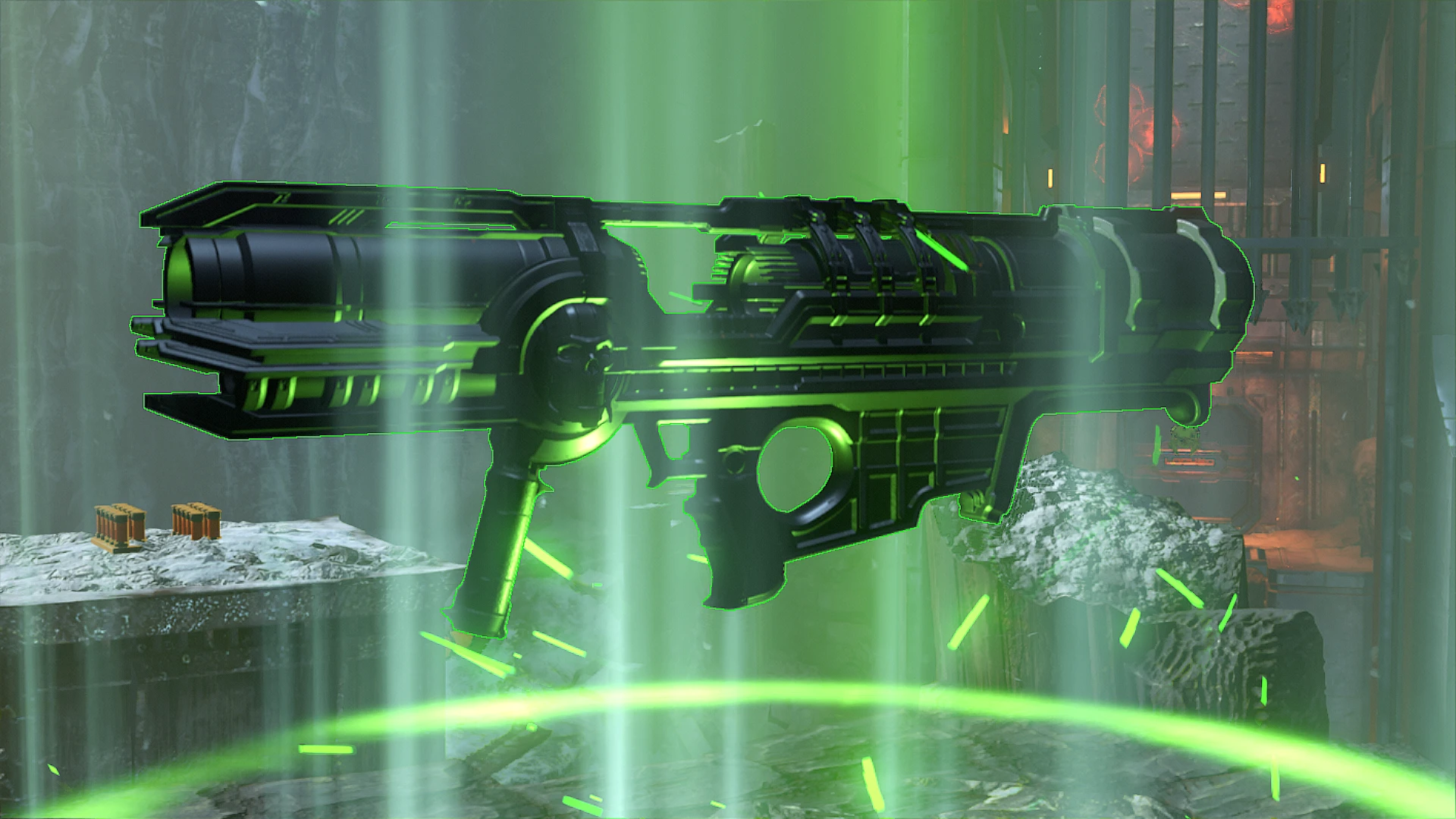
(Partially) Updates Proteh's original Gritty Doom modpack to work with Doom Eternal's DLC as well as Horde Mode. Mostly functional as of now - ammo pickups and certain props (specifically Support Runes) in TAG1 and 2 don't work.
I made this for personal use, but I felt it would be nice to post this.
As a disclaimer, this was posted with Proteh's express permission. Please check out his mods (although many don't work properly nowadays) and his YouTube channel.
(This Partially) Updates Proteh's original Gritty Doom modpack to work with Doom Eternal's DLC as well as Horde Mode. While mostly functional as of now, I haven't been able to get ammo pickups and certain props (specifically Support Runes) to work in the DLC or Horde Mode. I recommend Brochacho's QuakeCon 2018 Pickup Sheen and/or Realistic Pickups Requiem. Brochacho has also fixed some of Proteh's old mods.
1) Download EternalModInjector.zip archive from the Doom 2016+ Modding Discord server here OR from GameBanana, and extract its contents to your DOOM Eternal installation's root directory, e.g. C:\Program Files (x86)\Steam\steamapps\common\DOOMEternal\.
These are all the files you should end up with.
-/DOOMEternal/EternalModInjector.bat
-/DOOMEternal/base/BlangParser.dll
-/DOOMEternal/base/DEternal_loadMods.exe
-/DOOMEternal/base/DEternal_patchManifest.exe
-/DOOMEternal/base/EternalPatcher.def
-/DOOMEternal/base/EternalPatcher.exe
-/DOOMEternal/base/EternalPatcher.exe.config
-/DOOMEternal/base/idRehash.exe
-/DOOMEternal/base/Newtonsoft. Json.dll
-/DOOMEternal/Mods/
2) Download your selected .zip folder(s) and simply place it in your /DOOMEternal/Mods/ folder.
3) Run EternalModInjector.bat.
The mod(s) should now work!
-------------------------------------------------------------------------------------------------------------------------------------------------------------------------------------------------------------------------------------------Removal Instructions (Windows & Steam)
1) Remove your selected .zip folder(s) from DOOMEternal/Mods/ folder.
2) Run EternalModInjector.bat again.
3) The mod should now be removed!
-------------------------------------------------------------------------------------------------------------------------------------------------------------------------------------------------------------------------------------------Have fun!
📊 Mod Details
- Game
- Doom Eternal Mods
- Author
- Proteh - Kaffeekatze
- Version
- 1.0
- Downloads
- 177
- Endorsements
- 2
- Category
- Visuals and Graphics
- Created
- 3/24/2024
- Updated
- 3/24/2024
🔧 How to Install Doometernal Mods
Download from Nexus Mods.
📖 Full step-by-step install guide for Doometernal →
Visit the official mod page for specific installation instructions for this mod.
🎮 Need cheat codes or console commands? Check ur gaming wiki for Doometernal commands, item IDs, and more.
Keep browsing — more Doometernal mods await