GM tools : NPC control tools
⚪ Last updated 2019Preview
🔍 Analysis
- 👍 0.0% endorsement rate
- 🏆 #1 of 8 Add-on, GM, Quality of Life, Utility, Definitive Edition mods in this game by downloads
📋 About This Mod
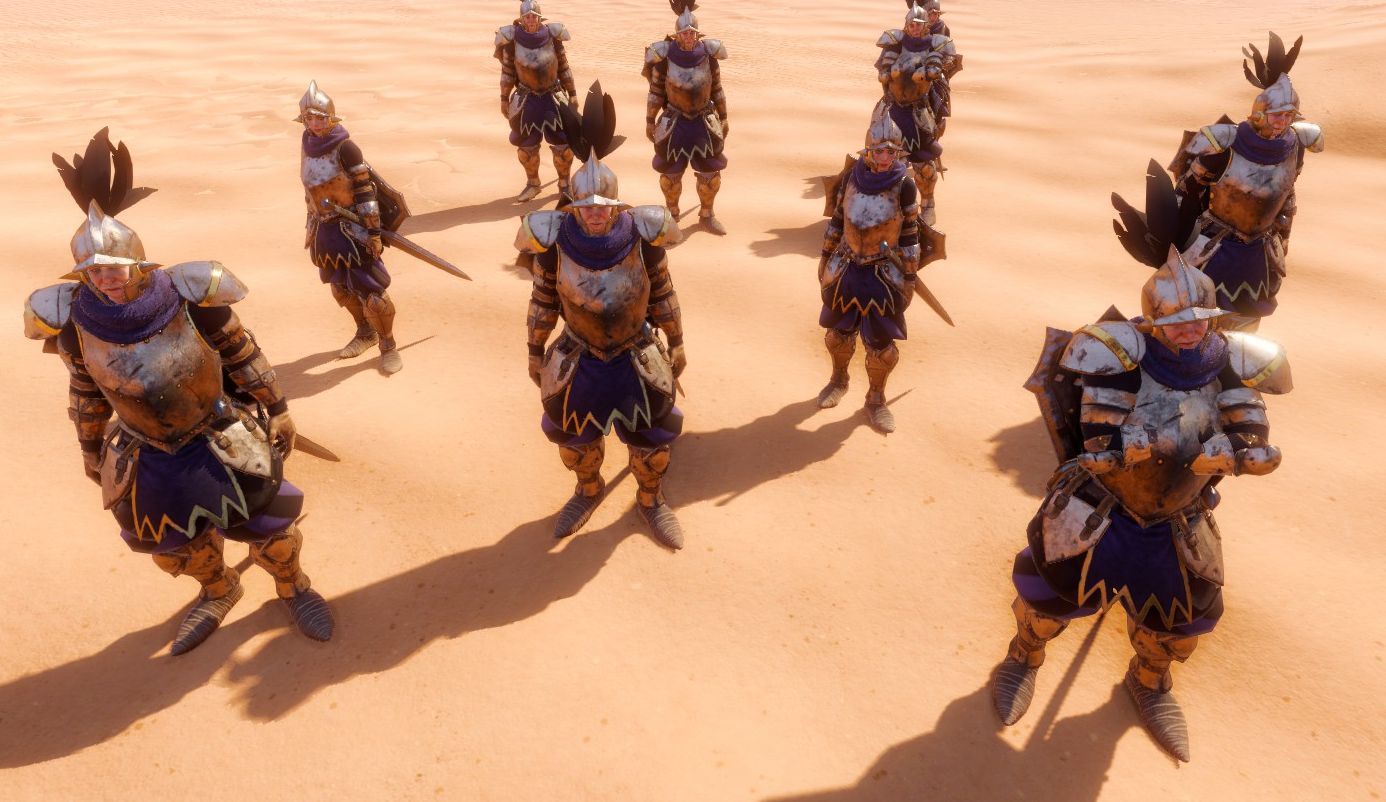
NEW! NPC Control Tools is getting a little brother : Ultimate GM Toolbox. It is basically the same mod but with much more powerful tools and fix several base GM mode issues (like some statuses not behaving as they should like Taunt if the GM controls characters). It's in beta and not out on the workshop yet, but you can find it on my Discord server for you to try ! https://discord.gg/AYpVFA4 Requires Norbyte's script extender. Description This mod provide tools for the GM to manage several NPCs at once. It allows you to mass move, activate, deactivate but also provide a patroling and character follow feature. How does it work All tools are present in A_gm Tools in Items panel. First, select NPCs either by drag&drop a Select (selection confirmed by a "S") either by setting Selected status and then use the feature you wish by drag&dropping it. - Move (walk/run): makes selected NPC(s) to move straigth to the position. Tip : you can lock select NPCs and double-click on Walk or Run to move them like units in a strategy game ! Be careful though, their final formation will be the one they had at the moment you gave the last order. - Activate/Deactivate : pretty self-explanatory. - Patrol : makes selected NPC go on the position and get back to its initial place indefinitely. You can stop patroling by removing the status. - Multipoint patroling : Target an NPC, place checkpoints and let it go ! - Follow : you have to put the Targeted status on the target first. Then select NPC(s) and drag&drop the Follow feature on terrain. You make a NPC stop following by removing the Follow status. Warning : do not manually move the follower as a GM or it will stop following. - Sheathe/Unsheathe : selected NPCs will draw their weapons or sheathe them. - Mass copy status : the status that are on the targeted NPC will be copied on all selected NPCs. - Freeze/Unfreeze players : This stops players from doing anything (move, using items, changing equipment, attacking, ending turn, ...) . It's u
📊 Mod Details
- Game
- Divinity Original Sin 2 Definitive Edition Mods
- Author
- 76561198025498731
- Version
- N/A
- Downloads
- 4,219
- Endorsements
- 0
- Category
- Add-on, GM, Quality of Life, Utility, Definitive Edition
- Created
- 7/2/2019
- Updated
- 12/7/2019
🔧 How to Install Divinity: Original Sin 2 - Definitive Edition Mods
Subscribe on Steam Workshop. Mods auto-download and install. Launch the game to activate.
📖 Full step-by-step install guide for Divinity: Original Sin 2 - Definitive Edition →
Visit the official mod page for specific installation instructions for this mod.
🎮 Need cheat codes or console commands? Check ur gaming wiki for Divinity: Original Sin 2 - Definitive Edition commands, item IDs, and more.
Keep browsing — more Divinity: Original Sin 2 - Definitive Edition mods await