Devil May Cry 5 Special Edition Logo
⚪ Last updated 2022Preview
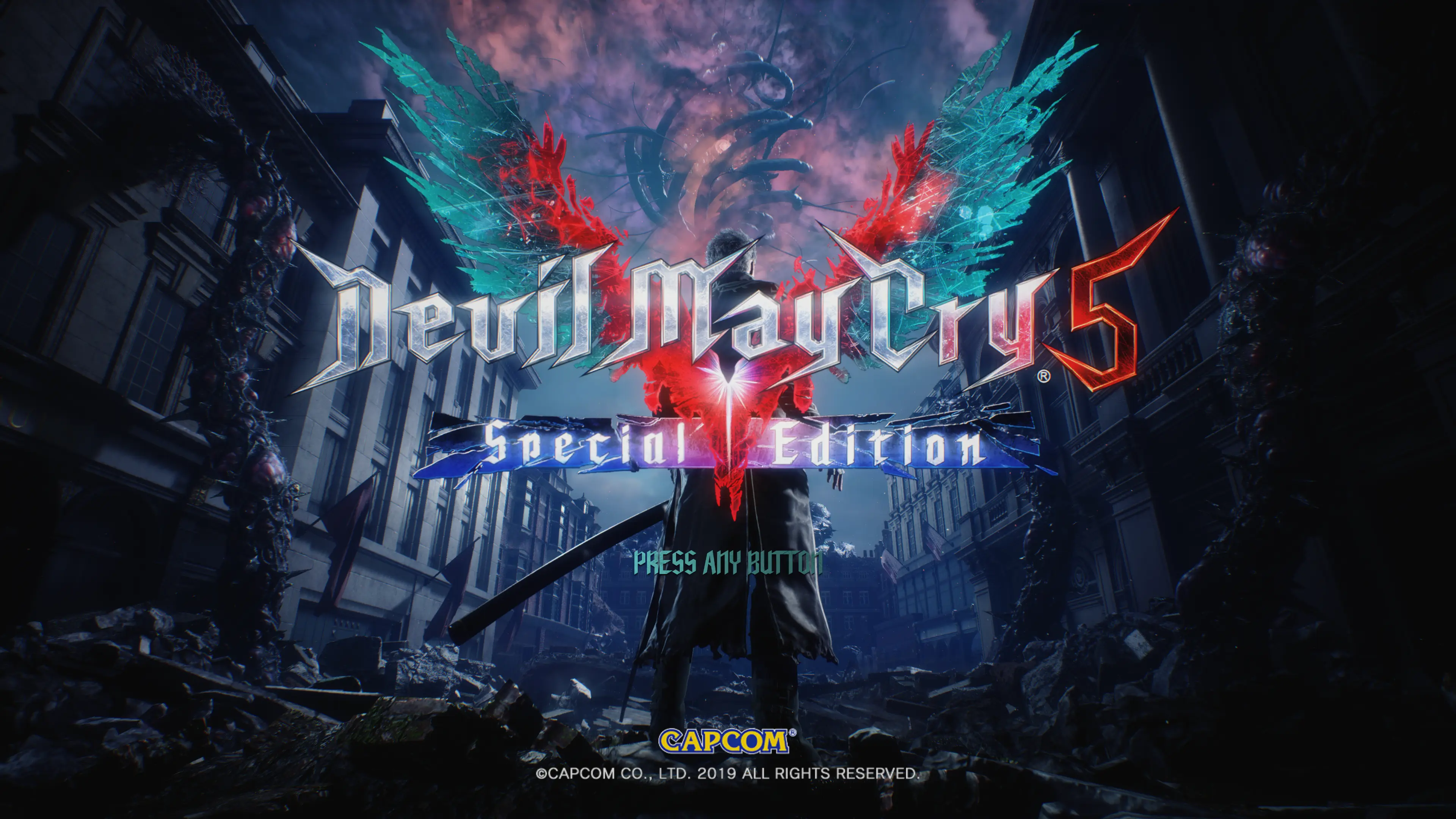
🔍 Analysis
- 👍 5.9% endorsement rate — high engagement, a strong quality signal
- 🏆 #24 of 78 User Interface mods in this game by downloads
📋 About This Mod
You can do whatever you want with this, just be sure to include credits if you reupload this as part of your own modpack or a fixed file should this break in the future and I do not update it (or any other case this applies to).
Install
Install the mod using Fluffy Mod Manager 5000. Drag and drop the ZIP file in the mods folder and activate it.
Please install this mod after any mods that overwrite the Title Screen and/or Photo Mode logo, such as SSSiyan's Collaborative Cheat Trainer, otherwise this mod is unlikely to work.
Uninstall
Deactivate the mod through Fluffy Mod Manager 5000.
You may then leave the ZIP file in the mods folder or delete the ZIP file.
Credits
The Hitchhiker for letting me use their files from his Spite Edition mod found in SSSiyan's Collaborative Cheat Trainer. This allowed me to actually get this mod to work in the first place, as I'm not very good at texture modding at the moment.
I want to give thanks to the Infernal Warks modders and their Discord server. While I do not interact in that particular server at all, I sometimes lurk on it and without the other modders, tools available on the Discord, etc., I wouldn't have been able to make this mod - so massive thanks to the lot of them!
📊 Mod Details
- Game
- Devil May Cry 5 Mods
- Author
- Lindon
- Version
- 1.03
- Downloads
- 2,189
- Endorsements
- 130
- Category
- User Interface
- Created
- 12/7/2021
- Updated
- 1/5/2022
🔧 How to Install DMC5 Mods
Use Fluffy Mod Manager.
📖 Full step-by-step install guide for DMC5 →
Visit the official mod page for specific installation instructions for this mod.
🎮 Need cheat codes or console commands? Check ur gaming wiki for DMC5 commands, item IDs, and more.
Keep browsing — more DMC5 mods await