N7E Enhanced Graphics Presets
⚪ Last updated 2021Preview
🔍 Analysis
- 👍 3.9% endorsement rate — high engagement, a strong quality signal
- 🏆 #28 of 92 Visuals mods in this game by downloads
📋 About This Mod
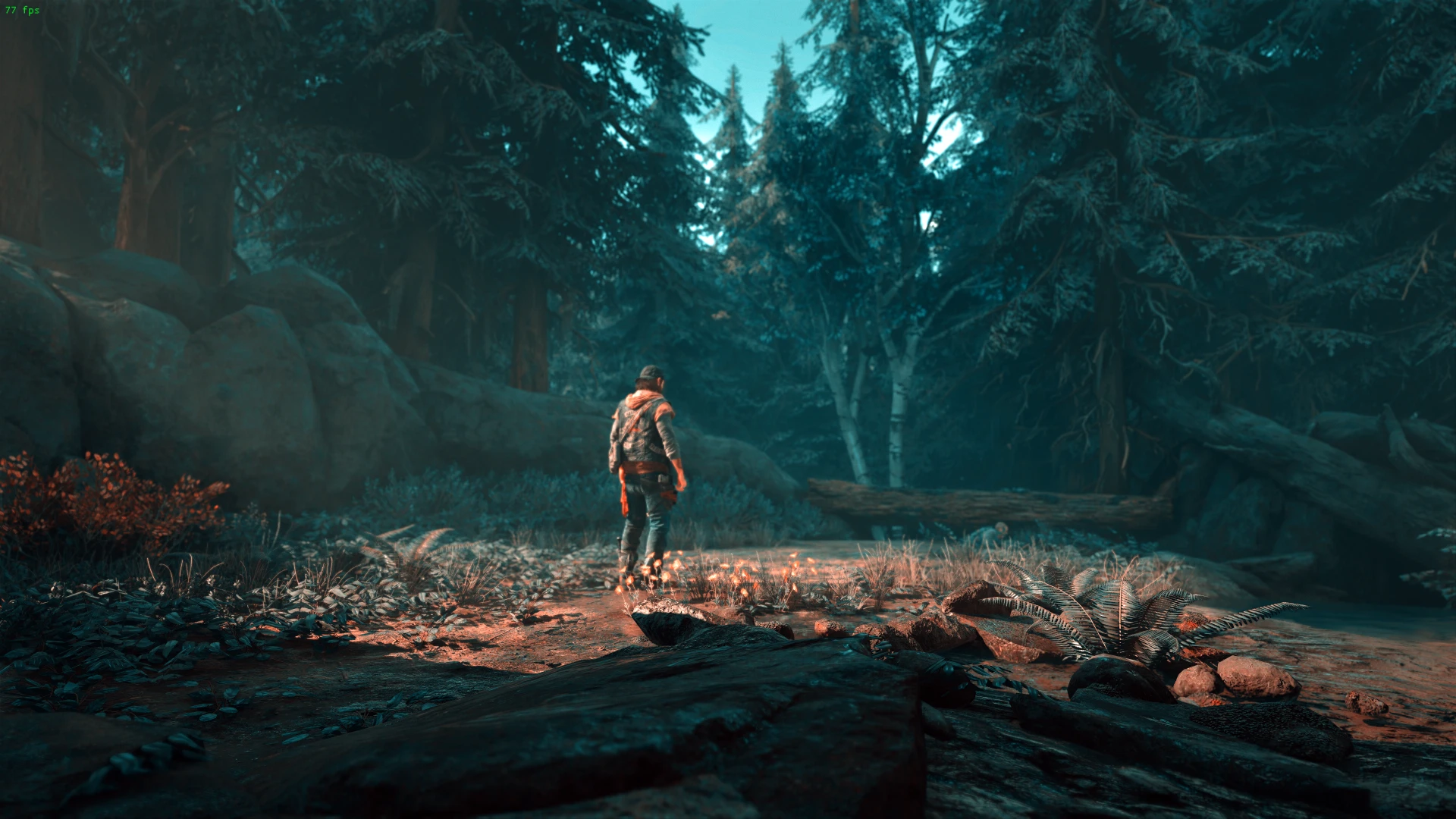
Multiple Reshade presets for improved visuals (HDR, cinematic, realistic... ).
Installation:
Extract all files to the folder where the Days Gone binary is located. For example (Steam) extract the files into:
Days Gone\BendGame\Binaries\Win64\
The default preset is the "realistic" preset. If you want to try other presets (check the screenshots for comparison):
Press the HOME key when the game is running and select a preset that you would like to use. The presets are:
-
[]Alternate Color
[
]Cinematic[]Realistic (this is the default preset)
[]Summer
- HDR
Press the END key to toggle the effect (disable/enable it).
Was tested on Win10 x64 and Days Gone (Steam).
Here is a 4K video showing the mod (realistic preset) :
MJXcdSpShsI
Thanks to Reshade developers for providing such a useful utility.
Reshade is an open source tool developed by https://reshade.me/ . If you like it consider becoming a patron of Reshade (details on their webpage).
📊 Mod Details
- Game
- Daysgone Mods
- Author
- N7E
- Version
- 1.0.0
- Downloads
- 2,652
- Endorsements
- 103
- Category
- Visuals
- Created
- 5/20/2021
- Updated
- 5/20/2021
🔧 How to Install Daysgone Mods
Download from Nexus Mods.
📖 Full step-by-step install guide for Daysgone →
Visit the official mod page for specific installation instructions for this mod.
🎮 Need cheat codes or console commands? Check ur gaming wiki for Daysgone commands, item IDs, and more.
Keep browsing — more Daysgone mods await