Blue Flame
⚪ Last updated 2016Preview
🔍 Analysis
- 👍 6.5% endorsement rate — high engagement, a strong quality signal
- 🏆 #60 of 231 Models and Textures mods in this game by downloads
📋 About This Mod
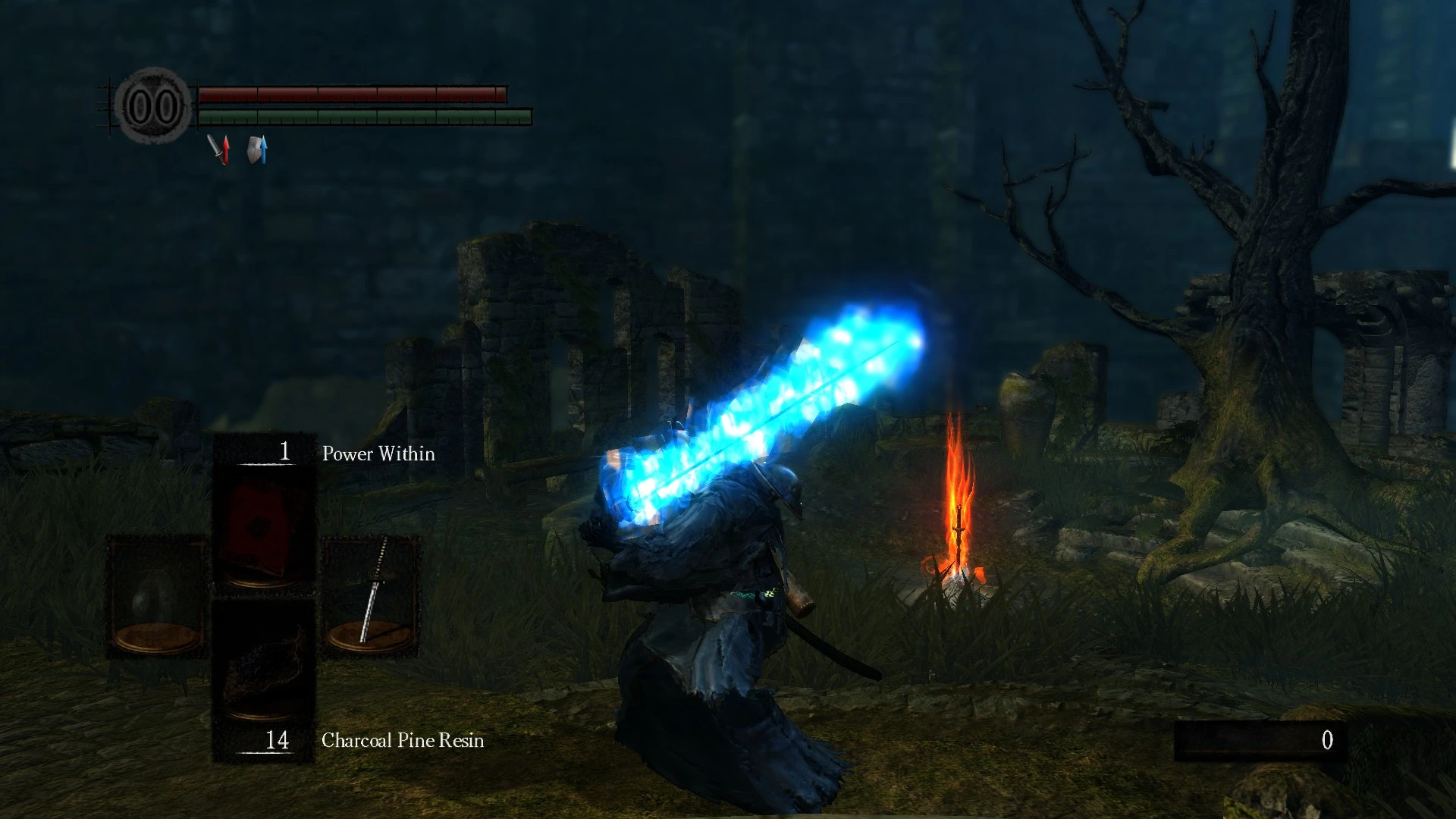
A small mod that changes most flames from orange to blue.
Here's a thing a guess. Tired of ol' red hot flames? Why not change it to a cool blue?
EDIT: After a small update, blue flames were added to bonfires and torches. I've also included the option to not install these if you desire.
As always, in order to use this mod you will require DSFix. Link: http://www.nexusmods.com/darksouls/mods/19/?
Install instructions: Step 1: Git DSFix ya spoon. Step 2: Enable texture override. This is achieved by editing DSFix.ini and changing enableTextureOverride to 1. Step 3: Locate tex_override folder. Usually found at: Dark Souls Prepare to Die Edition\DATA\dsfix\tex_override. Step 4: Dump contents of Blue Flame into tex_override. Step 5: ??? Step 6: Profit.
Conglaturations. You have now modded your Dark Souls game.
📊 Mod Details
- Game
- Darksouls Mods
- Author
- dabetatesta
- Version
- 1.42222222
- Downloads
- 1,323
- Endorsements
- 86
- Category
- Models and Textures
- Created
- 1/15/2016
- Updated
- 3/14/2016
🔧 How to Install Dark Souls Mods
Download from Nexus Mods.
📖 Full step-by-step install guide for Dark Souls →
Visit the official mod page for specific installation instructions for this mod.
🎮 Need cheat codes or console commands? Check ur gaming wiki for Dark Souls commands, item IDs, and more.
Keep browsing — more Dark Souls mods await