Artificial Difficulty - A set of Humorous Messages
⚪ Last updated 2013Preview
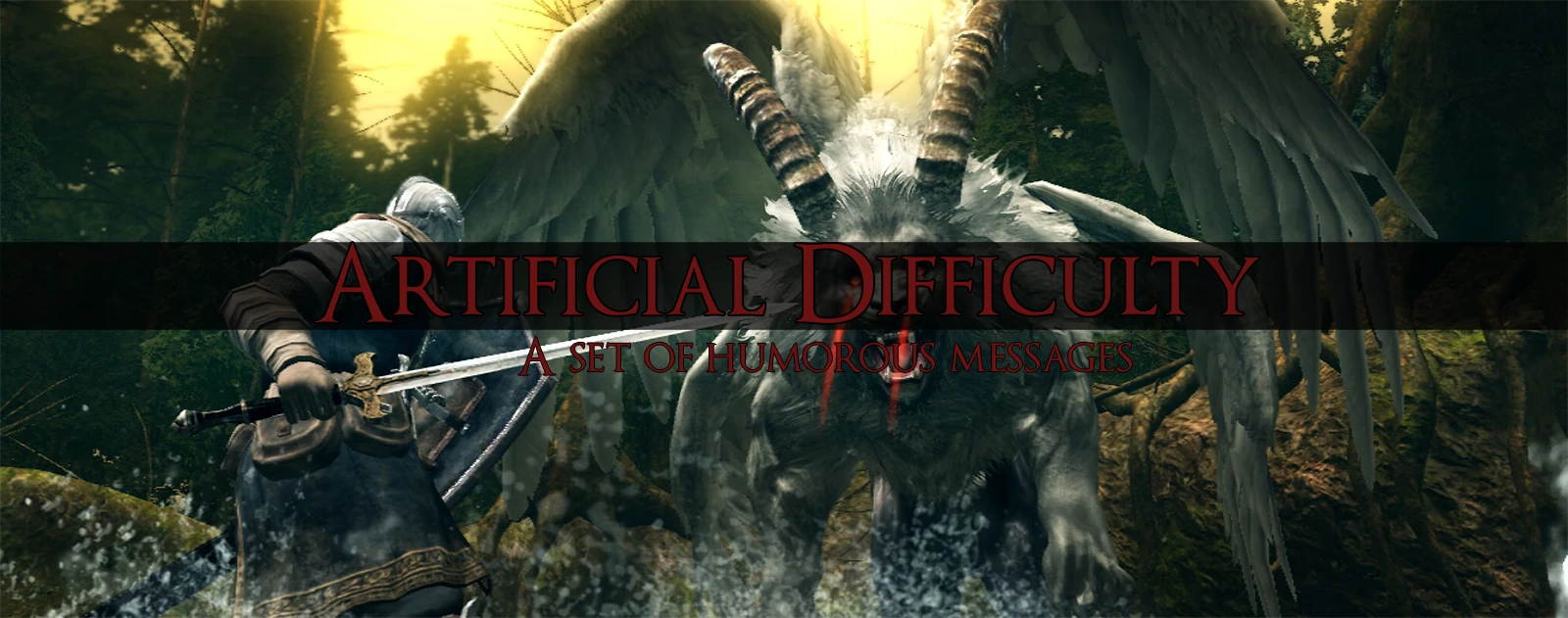
🔍 Analysis
- 👍 5.7% endorsement rate — high engagement, a strong quality signal
- 🏆 #85 of 269 User Interface mods in this game by downloads
📋 About This Mod
Some chill, funny messages that will make your experience a lax one.
Installation: 1. Make sure you have DSFix installed. 2. In your DSFix.ini, make sure "enableTextureOverride" is set to 1. 3. Take "3abef6fc" and "8be12045" and put them into: "C:\Program Files (x86)\Steam\SteamApps\common\Dark Souls Prepare to Die Edition\DATA\dsfix\tex_override" 4. Start the game and enjoy.
Check the change log for updates.
Credits: Me, for making this. ABA Survivor for the Pop-up template. And you, for viewing/downloading my mod.
📊 Mod Details
- Game
- Darksouls Mods
- Author
- sthellen
- Version
- v1.02
- Downloads
- 2,303
- Endorsements
- 131
- Category
- User Interface
- Created
- 9/1/2013
- Updated
- 9/1/2013
🔧 How to Install Dark Souls Mods
Download from Nexus Mods.
📖 Full step-by-step install guide for Dark Souls →
Visit the official mod page for specific installation instructions for this mod.
🎮 Need cheat codes or console commands? Check ur gaming wiki for Dark Souls commands, item IDs, and more.
Keep browsing — more Dark Souls mods await