Unofficial Palette Expansion Pack
⚪ Last updated 2017Preview
🔍 Analysis
- 👍 3.1% endorsement rate — high engagement, a strong quality signal
📋 About This Mod
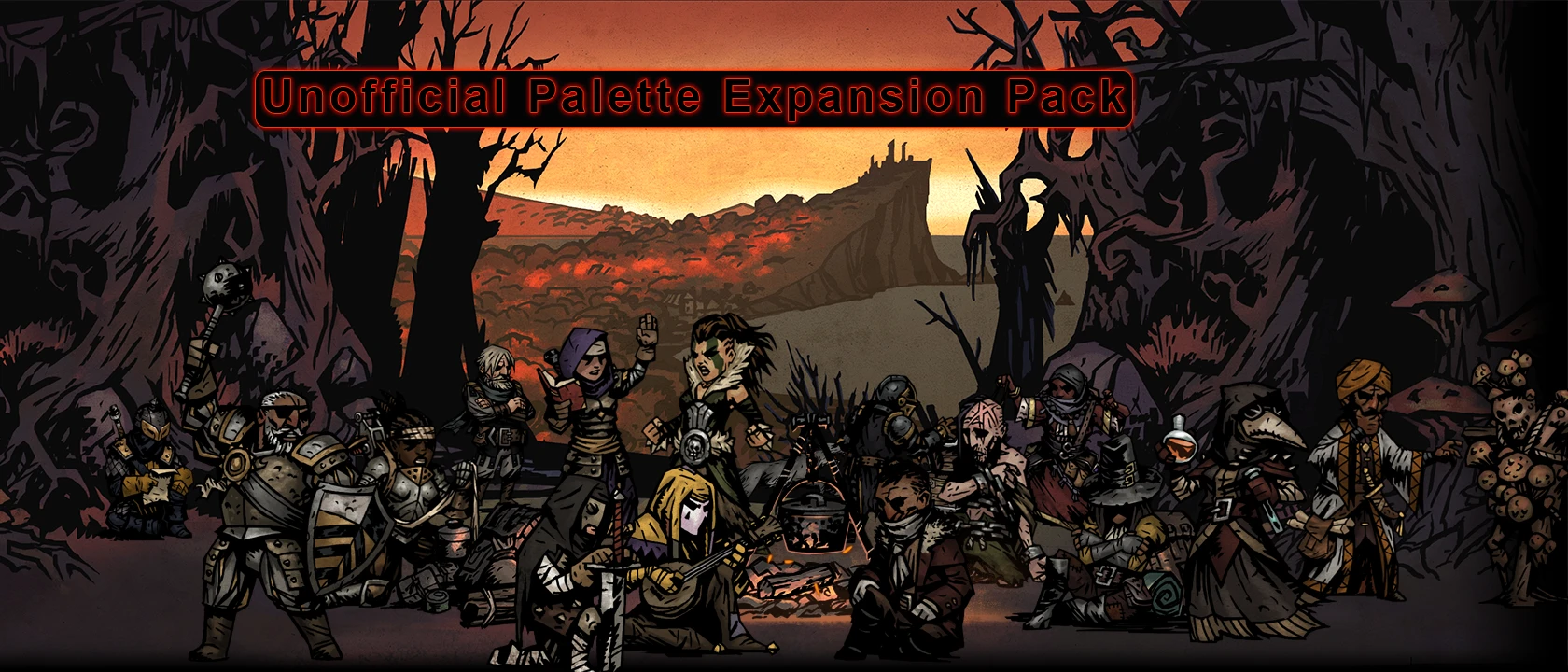
New 1.4 Version. This pack adds 5 subtle recolours to every official class in the game that is designed to complement the official palettes. 75 new colours in total plus extra Re-skins for the Musketeer.
July 7th, 2017 - Updated the recently updated Plague Doctor Combat Sprites. July 2nd, 2017- Updated the Highwayman & Vestal Combat Sprites to the new sprite layout from two days ago. ------
A colour pack nearly over 2 months in the making, the "Unofficial Palette Expansion Pack" adds 75 new, subtle recolours to every official class in the game, 5 for each class. This pack was done with as much skill and care as I possibly can. Every single sprite was edited, sometimes even down to literal pixels, touched up, saturated and coloured to match the ascetics of the official palettes and the actual game to make sure they do not look out of place. I also used self-imposed rules to only edit parts that only Red Hook themselves touched in their palettes (outside of very few expectations) to make them as "official" as possible.
Each class also has custom affliction and virtue art, except for the Grave Robber, because I never made any for my earlier A&V Palette Pack due to her already having official ones, and the Hellion because I'm not happy with how the current sprites and edits turned up. They will come in the near future.
To install, simply drop the file into your "DarkestDungeon" Folder. If you are unfamiliar how the actual files work. each skin folder is labelled "A" to "Z", with A-D being the default skins, meaning that you can have a maximum of 26 skins (I believe). These skins takes up the "E", "F", "G", "H" and "I" folders. If you have another skin taking up that folder, it will be replace so be careful if you haven't downloaded skins before. If you don't want a skin replaced, simply rename the "classX_Y" folder to any open Letter, with "classX" being the hero and "Y" being whatever the letter is already taken up.
Alternately, you can download the "QRSTU" version instead which takes the "Q", "R", "S", "T" and "U" folders, which will less likely to replace skins. Do not download both however, because that will create duplicates of these skins.
Any feedback or suggestions is always welcome. If there are any errors with the sprites, any opinions on the pack, or any suggestions to improve the palettes or even new ideas, please feel free to share.
There isn't much else to say really. This pack has colours and lots of colours. I know people love colours. I hope everyone enjoys them.
June 25th, 2017- Updated the Crusader Combat Sprites to the new sprite layout from two days ago. Optimized the Hellion Combat Sprite. While nowhere as bad as the Crusader, there should be less artifacts now. Changed the Cyan (G) Palette of the Crusader to use a solid cloth colour with no trim, like the White Palette. This should make the palette stand out a bit more. Plus the old "Trim to No Trim" ratio was a bit one sided. Added my custom portrait fixes for the original Red Abomination & Green Plague Doctor. It was a problem especially with the Plague Doctor where the default one had a white mask, but the portrait depicts her with a more tannish one. Incorporated my old "Art Fixes" mod to this one. A few errors on the default palettes are now corrected.
January 12th, 2017- Updated to 1. 4. This version changes a few of the Crusaders colours. I wanted to fit in the Teal Crusader from the recent short comics a few months back, so I replaced the Brown design, Brown & White to Teal & Gold, matching the comic, since it already had the more steel-like armour. The Brown cloth is moved to the Full Dark Armour design, replacing the previous Burgundy cloth. The old Burgundy has been moved to my "Misc Skin Pack" for those who might
📊 Mod Details
- Game
- Darkestdungeon Mods
- Author
- Camm - aka Saint Michaels
- Version
- 1.5.2
- Downloads
- 17,496
- Endorsements
- 537
- Category
- Colour Schemes
- Created
- 4/27/2016
- Updated
- 9/21/2017
🔧 How to Install Darkestdungeon Mods
Download from Nexus Mods.
📖 Full step-by-step install guide for Darkestdungeon →
Visit the official mod page for specific installation instructions for this mod.
🎮 Need cheat codes or console commands? Check ur gaming wiki for Darkestdungeon commands, item IDs, and more.
Keep browsing — more Darkestdungeon mods await