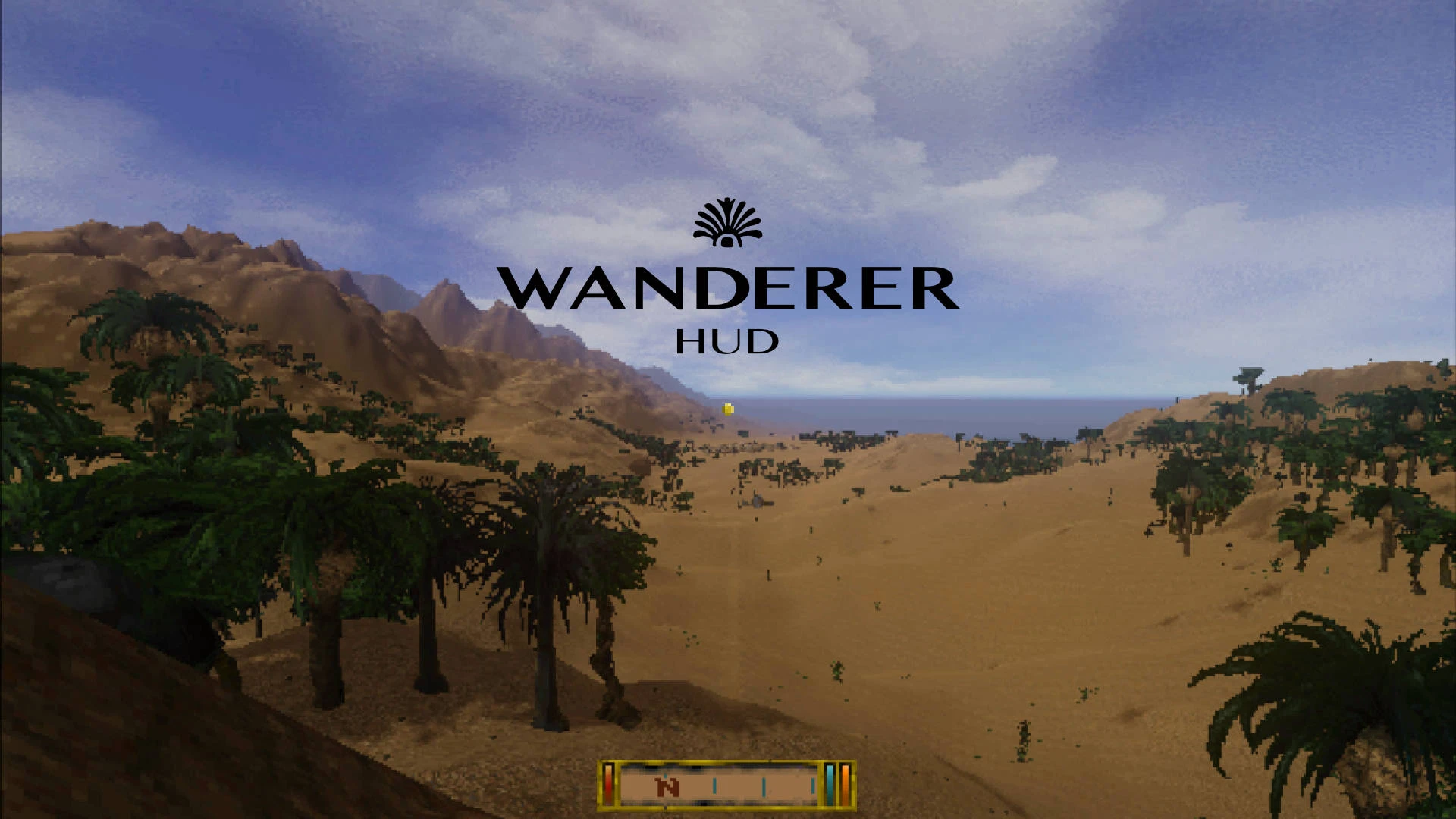
Wanderer HUD
🟠 Updated over a year agoPreview
🔍 Analysis
- 👍 2.2% endorsement rate — high engagement, a strong quality signal
- 🏆 #66 of 142 User Interface mods in this game by downloads
📋 About This Mod
=== OVERVIEW ===
From the suspiciously dev tools-looking dungeon map viewer to the barebone fullscreen HUD, some elements of Daggerfall's charmingly quaint pixel-art interfaces betray a history of rushed production, while others aged not too gracefully. Wanderer HUD polishes up those few rough edges.
=== FEATURES ===
-
[]VITALS integrated into the compass frame
[
]CROSSHAIR / CURSOR remade into a uniform, detachable golden nugget.[]LOCAL MAPS decluttered and reimagined as immersive "mind's eye" overlay, with icons remade from scratch.
[]MOB HEALTH BARS preset included tailors its look to complement Wanderer HUD stylistically.
[]HOTKEY BAR mod users will be able to use the two mods in tandem down the line via a native Wanderer HUD integration setting.
=== INTERACTION MODE ICON ===
Hand icon is off by default. We highly recommend using a combo of 'Penwick Papers' and 'Scrollable Interaction Modes' instead, both for the amazing gameplay features the first one introduces and for the seamless way to control the game when using the two together:
-
[]In Penwick Papers' bind the 'look' and 'talk' functions directly to your mouse side buttons (usually mouse 4 + 5).
[]In 'Scrollable Interaction Modes' exclude look and talk from scrolling and turn the looping behaviour off.
From now on, scrolling up sets the hero to legal / forceful behaviour (e.g. use / take / frontal kick...), while scrolling down switches them to sneaky / illegal sort (steal / pick locks / throw diversion). Side keys, meantime, initiate looking and talking independently. As such, the on-screen interaction mode icon is no longer needed.
Alternatively, SphincterVision's "Cruise Control for Interaction" streamlines the interaction system fully, resulting in there no longer being a need for the icon.
=== MAP CONTROLS ===
-
[] toggle top-down / 3d view
[]2x set camera rotation anchor point
[]2x / create / delete notes
=== COMPATIBILITY ===
Wanderer HUD should be compatible with and complementary to 'Mob Health Bars', 'Uncanny UI Fork', 'Advanced Dialogue' as well as anything else that doesn't rework the HUD elements and the design of local maps directly.
=== KNOWN BUGS ===
Only minor, difficult to reproduce issue we're aware of is tha
-
[] toggle top-down / 3d view
-
[]In Penwick Papers' bind the 'look' and 'talk' functions directly to your mouse side buttons (usually mouse 4 + 5).
Wanderer HUD modernizes and streamlines several UI elements in Daggerfall, preserving the classic pixel-art aesthetic. With 43 endorsements and nearly 2,000 downloads, it's a niche but appreciated quality-of-life improvement for players seeking a cleaner interface without losing the game's charm.
✨ Key Features
📊 Pros & Cons
✅ Pros
- Nearly 2,000 downloads show there's real interest in a cleaner Daggerfall UI.
- Stays true to the game's pixel-art charm—no jarring modern overlays.
- Lightweight UI mod that doesn't overhaul the game, just polishes what's there.
⚠️ Cons
- Only 43 endorsements—small community footprint, so you're on your own if issues pop up.
- Last updated in May 2025—might not be compatible with future Daggerfall Unity builds.
For Daggerfall players who love the retro aesthetic but want a more readable, streamlined HUD. If you're a purist who hates UI overhauls, this respects the original style. Skip if you want major UI changes or full customization—this is a subtle polish mod.
💡 Beginner Tips
- If you're using Daggerfall Unity, make sure to place the mod files in the correct Mods folder—check the game's documentation if unsure.
- Since this is a UI mod, it's safe to install alongside other mods, but always test after adding new ones to ensure no conflicts.
- Look for screenshots or videos from other users to see the changes before installing, since the description lacks visuals.
📊 Mod Details
- Game
- Daggerfallunity Mods
- Author
- RamseySparrow_ArshvirGoraya
- Version
- 1.0.0
- Downloads
- 1,938
- Endorsements
- 43
- Category
- User Interface
- Created
- 3/31/2025
- Updated
- 5/9/2025
🔧 How to Install Daggerfall Unity Mods
Download from Nexus Mods.
📖 Full step-by-step install guide for Daggerfall Unity →
Visit the official mod page for specific installation instructions for this mod.
🎮 Need cheat codes or console commands? Check ur gaming wiki for Daggerfall Unity commands, item IDs, and more.
Keep browsing — more Daggerfall Unity mods await