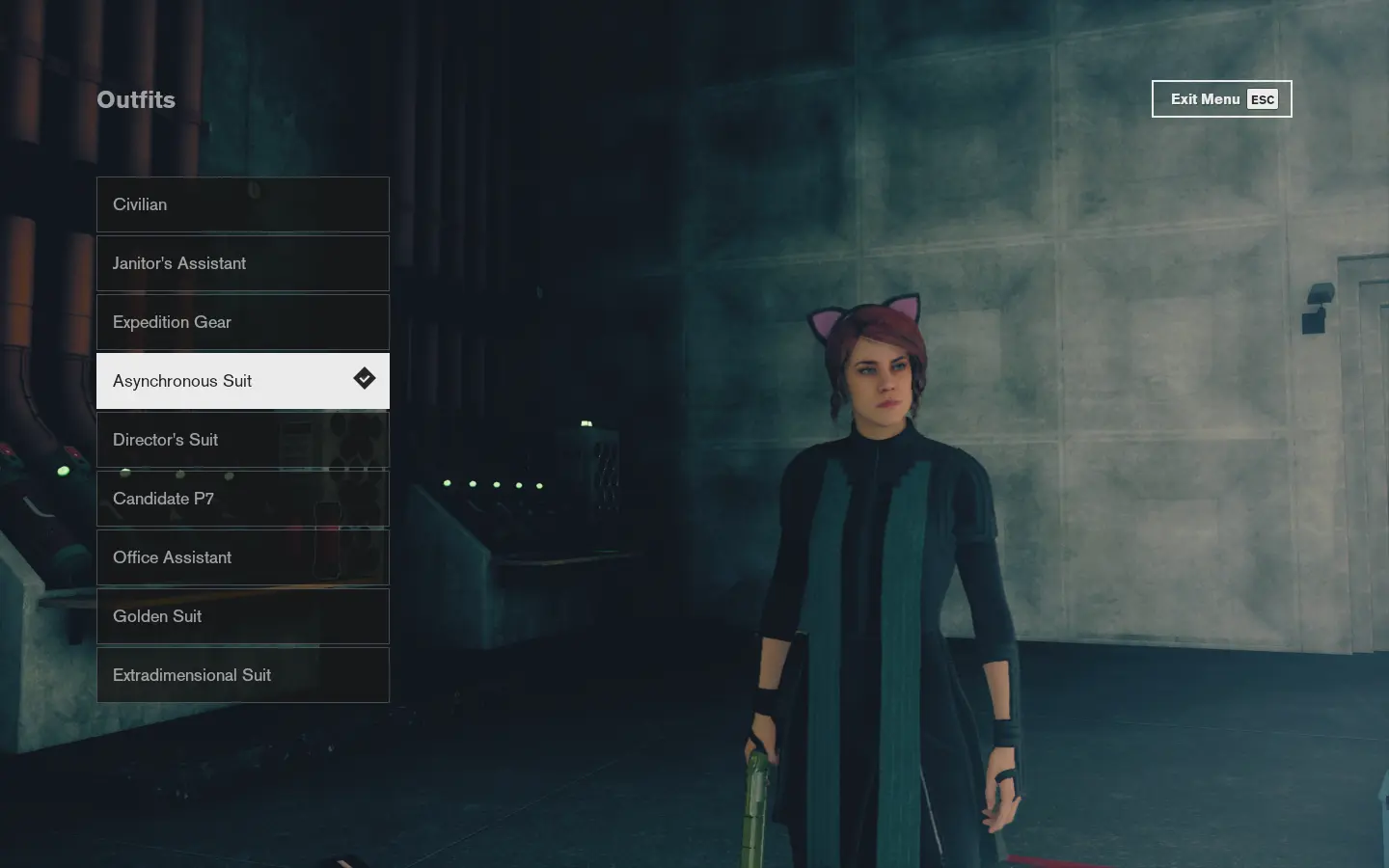
Change Outfits at any Control Point
⚪ Last updated 2020Preview
🔍 Analysis
- 👍 5.2% endorsement rate — high engagement, a strong quality signal
- 🏆 #4 of 18 Gameplay Effects and Changes mods in this game by downloads
📋 About This Mod
Allows you to change outfits at any Control Point.
About
Allows you to change outfits at any Control Point, not just the one in Central Executive.
This mod requires DynaHUD, which provides the underlying UI Framework to enable UI modding. You may disable DynaHUD's features if you don't want to use them.
Installation
1. Install the prerequisite: DynaHUD.
2. Extract CPOutfits.js into the following folder: <Control Installation Directory>\ui\hud.
2a. (Optional) If you do not want to use any of DynaHUD's features, you can remove DynaHUD's files from the above directory now.
3. Launch the game.
Usage
Select the Outfits option at any Control Point to change outfits.
There will not be a special camera angle applied during outfit selection at other control points, so position your character before opening the outfits menu. You may use the "Change Sides" toggle to change the camera perspective for a better view of Jesse during outfit selection.
Acknowledgements
Mods used in the screenshots:
-
[]Ghostbusters Flight Suits - Janitor's Assistant outfit retexture by Fallbob
[
]Service Weapon V2. 0 - Grip retexture by FallbobOther Control mods by me
See all Control mods by me here.
📊 Mod Details
- Game
- Control Mods
- Author
- reg2k
- Version
- 1.0
- Downloads
- 10,855
- Endorsements
- 566
- Category
- Gameplay Effects and Changes
- Created
- 9/20/2020
- Updated
- 9/20/2020
🔧 How to Install Control Mods
Download from the official mod page and follow its install instructions. Use a mod manager where supported.
📖 Full step-by-step install guide for Control →
Visit the official mod page for specific installation instructions for this mod.
🎮 Need cheat codes or console commands? Check ur gaming wiki for Control commands, item IDs, and more.
Keep browsing — more Control mods await