No More Wailing
⚪ Last updated 2020Preview
🔍 Analysis
- 👍 1.6% endorsement rate — high engagement, a strong quality signal
- 🏆 #1 of 6 Audio mods in this game by downloads
📋 About This Mod
No More Wailing V1. 1
by MattatattaVersion 1. 1 is simply the addition of the English and Japanese Voice replacer options; no changes to anything from the Version 1. 0 release.
3BzFs3Ck96o
Fight freely and not be deafened when somebody else does an oopsie!
Listen to better things uninterrupted, like the slashing of steel meeting flesh!
Run an Ishtar build with no regrets!
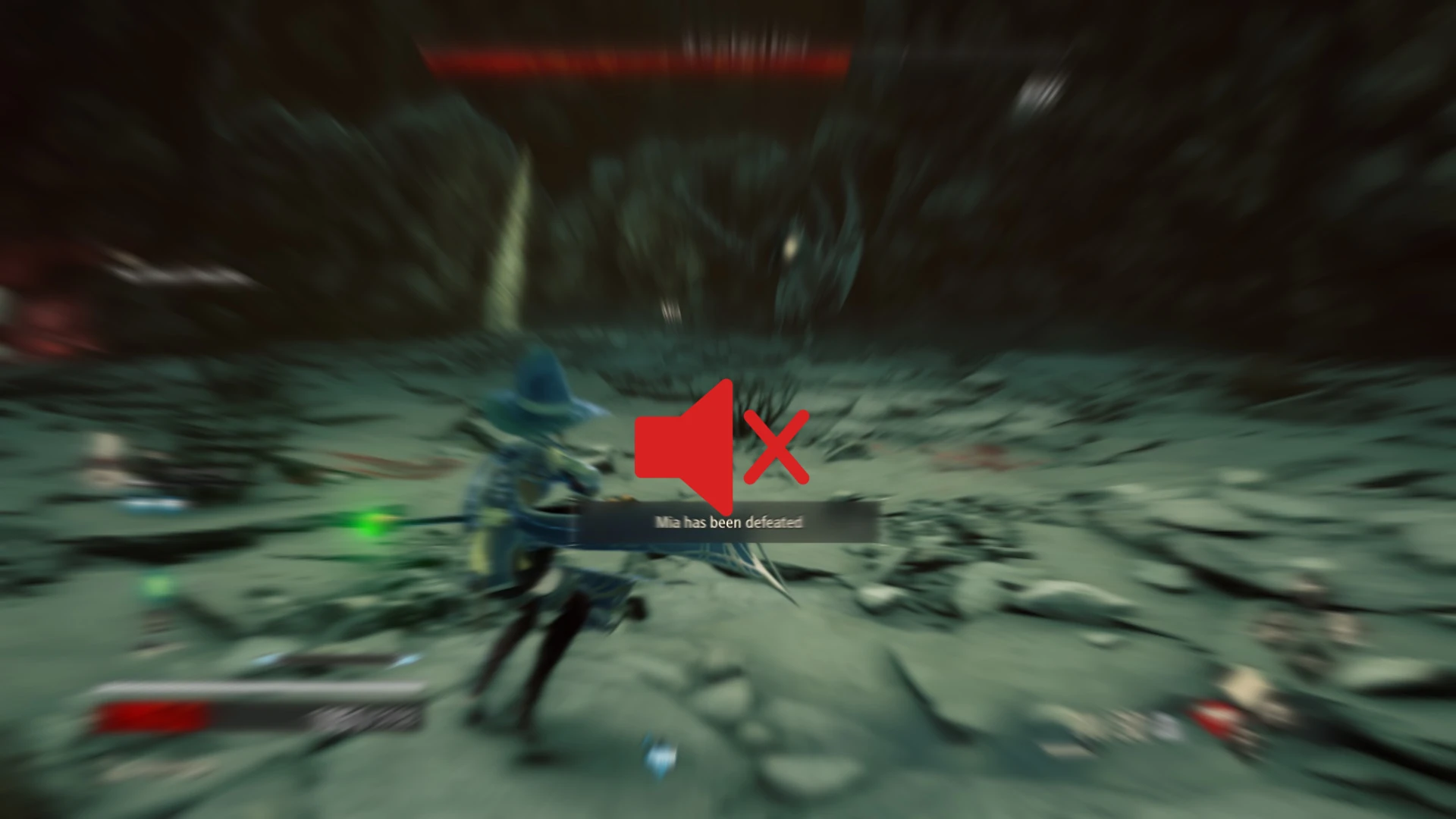
No More Wailing is a simple audio mod that replaces the loud sound effect that plays when a companion is defeated in battle. Saving your eardrums from an exceptionally loud alert sound you are likely going to hear often.
Current options to choose from:
-
[]Pure Silence
[
]Knuckles "OhNo" meme sound clip[]All 20 Player Character Voices in English
[]All 20 Player Character Voices in Japanese
Player Voices?
Version 1. 1 brings in a more IMMERSIVE solution by utilising unused voice lines in the game. Among many other things, the player character has lines of them reacting to a companion being defeated. That's right, all 10 male voice types, all 10 female voice types, with 2 different lines each. I chose the best-fitting from each and made them into replacers of the wailing noise, so now you can have your character's voice serve as a prompt to get some healing out there.
Please note that if you play multiple characters, you will have to remove and replace the .pak with the one that matches the voice of the character you will be playing. Do not have multiple NoMoreWailing .paks in your ~mods folder or weird stuff will happen.
Installation:
When using the player voice option, first open the folder that matches the game's audio language (English or Japanese)
Select the .pak that matches the sex and voice type number of your character (as defined in character creation). If you play a male character whose voice is number 7, then you will want to use the .pak with "PC07M" in its filename. "PC" simply means "Player Character", the "07" is the voice number, and "M" is for "male". If you need a little more help, here's a simple table:
PC01F = Female Voice 1PC01M = Male Voice 1
PC02F = Female Voice 2
PC02M = Male Voice 2
PC03F = Female Voice 3
PC03M = Male Voice 3
PC04F = Female Voice 4
PC04M = Male Voice 4
PC05F = Female Voice 5
PC05M = Male Voice 5
PC06F = Female Voice 6
PC06M = Male Voice 6
PC07F = Female Voice 7
PC07M = Male Voice 7
PC08F = Female Voice 8
PC08M = Male Voice 8
PC09F = Female Voice 9
PC09M = Male Voice 9
PC10F = Female Voice 10
PC10M = Male Voice 10
No More Wailing replaces the 'Companion Defeated' alert sound in Fallout 4 with silence, unused player character lines, or a meme. A small, focused audio mod with 118 endorsements and 7,218 downloads, last updated in May 2020.
✨ Key Features
📊 Pros & Cons
✅ Pros
- Simple and effective – kills that annoying wailing sound for good.
- Multiple options: silence, unused lines, or a meme – pick your poison.
- Community-tested (118 endorsements, 7,218 downloads) – plenty of players have grabbed this.
⚠️ Cons
- Last updated in 2020 – may not be compatible with the latest Fallout 4 patches or DLC.
- Only affects one sound – if you wanted broader audio tweaks, this isn't it.
For Fallout 4 players who are tired of the 'Companion Defeated' wail and want a quick fix. Great if you want a bit of humor with the meme option. Skip if you're looking for a comprehensive audio overhaul – this only touches one sound.
💡 Beginner Tips
- If you're using a mod manager like Vortex or NMM, just download and install – it'll handle the file placement automatically.
- If installing manually, drop the files into your Fallout 4 Data folder and make sure the plugin is enabled in your load order.
- Try the silence option first – it's the most immersive – but the meme option is hilarious for a laugh.
📊 Mod Details
- Game
- Codevein Mods
- Author
- Mattatatta
- Version
- 1.1
- Downloads
- 7,218
- Endorsements
- 118
- Category
- Audio
- Created
- 5/5/2020
- Updated
- 5/9/2020
🔧 How to Install Code Vein Mods
Download from Nexus Mods.
📖 Full step-by-step install guide for Code Vein →
Visit the official mod page for specific installation instructions for this mod.
🎮 Need cheat codes or console commands? Check ur gaming wiki for Code Vein commands, item IDs, and more.
Keep browsing — more Code Vein mods await