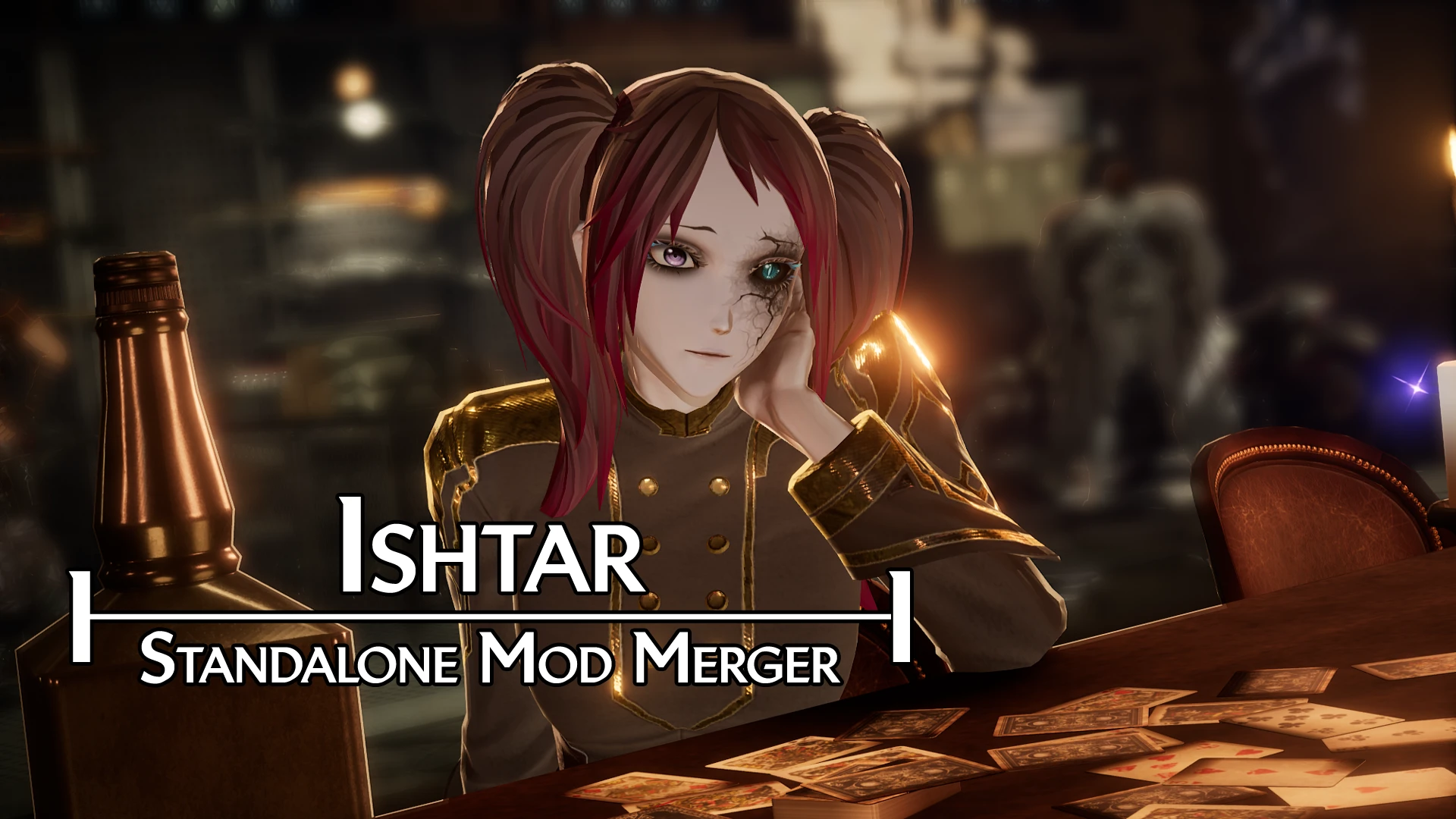
Ishtar - Standalone Mod Merger
⚪ Last updated 2023Preview
🔍 Analysis
- 👍 3.9% endorsement rate — high engagement, a strong quality signal
- 🏆 #2 of 30 Utilities mods in this game by downloads
📋 About This Mod
Program for merging standalone mods.
Standalone Mod Merger
Github page:
https://github.com/Code-Vein-Tool-Hub/Ishtar
Ishtar is a program for crating a merge patch for standalone mods. Since standalone mods
edit the same files so the game knows they exist this program exists to make all the new
entries in a single file.
About Ishtar 2. 0 and Merge Patches
Ishtar 2. 0 introduces some big changes to the program by adding a new merger.
this new merger uses . IshtarPatch files to tell the program what things need to be merged without having
to scan and unpack the whole mod reducing the merge time greatly.
These Ishtar Patch files can be manually generated using the "Make . IshtarPatch" button and included in within a mod
download or Ishtar will generate ones for existing mods while it's merging, this option can be disabled but patches
will only generate if the patch is missing or by checking the file hash to see if the existing patch is outdated. Leading
to a longer first merge but other merges will be much faster.
Parallel. ForEach removal.
Parallel for each is an asynchronous to do for each loops but i've had issues with loops being dropped/skipped
this lead to issue with the Asset Registry merger not registering all modded entries which is cause crashing
for things like standalone items/weapons. Of course normal for each loops are slower but won't cause crashing
issues and playing merging rng with ishtar.
Parallel. ForEach can still be enabled for pak scanning as this process is very slow depending on your mods, but there's always
a chance that mods might be skipped using this method so it is left optional in the options tab.
Requires . Net Framework 4. 8+
https://dotnet.microsoft.com/en-us/download/dotnet-framework/net48
Download the zip file from the release tab NOT the green "Code" button on Github
or here on the nexus page.
Extract the zip file anywhere you like and run the Ishtar.exe, if you see an Ishtar.sln, you downloaded the wrong file.
change the path at the top to your "~mods" folder using the "..." button.
Then click the big merge tables button and wait for it to say "done" at the bottom of the log.
Uninstalling standalone mods mid game while your character is using them my cause issues. Using the mod online may also cause issues.
Always remember to make a backup save and or play offline whenever possible.
Atenfyr: UAssetAPI
Feel free to support me on Patreon or directly through PayPal.
Follow me on Twitter for semi regular updates whenever I remember to post.
Having issues
📊 Mod Details
- Game
- Codevein Mods
- Author
- Moonling
- Version
- 2.0
- Downloads
- 16,145
- Endorsements
- 636
- Category
- Utilities
- Created
- 3/9/2023
- Updated
- 4/30/2023
🔧 How to Install Code Vein Mods
Download from Nexus Mods.
📖 Full step-by-step install guide for Code Vein →
Visit the official mod page for specific installation instructions for this mod.
🎮 Need cheat codes or console commands? Check ur gaming wiki for Code Vein commands, item IDs, and more.
Keep browsing — more Code Vein mods await