Black Myth - DEPTH RESHADE
⚪ Last updated 2024⚠️ Install Order · 1 step
Install in this order, then this mod last — most mods fail to load without their framework and dependencies in place.
Preview
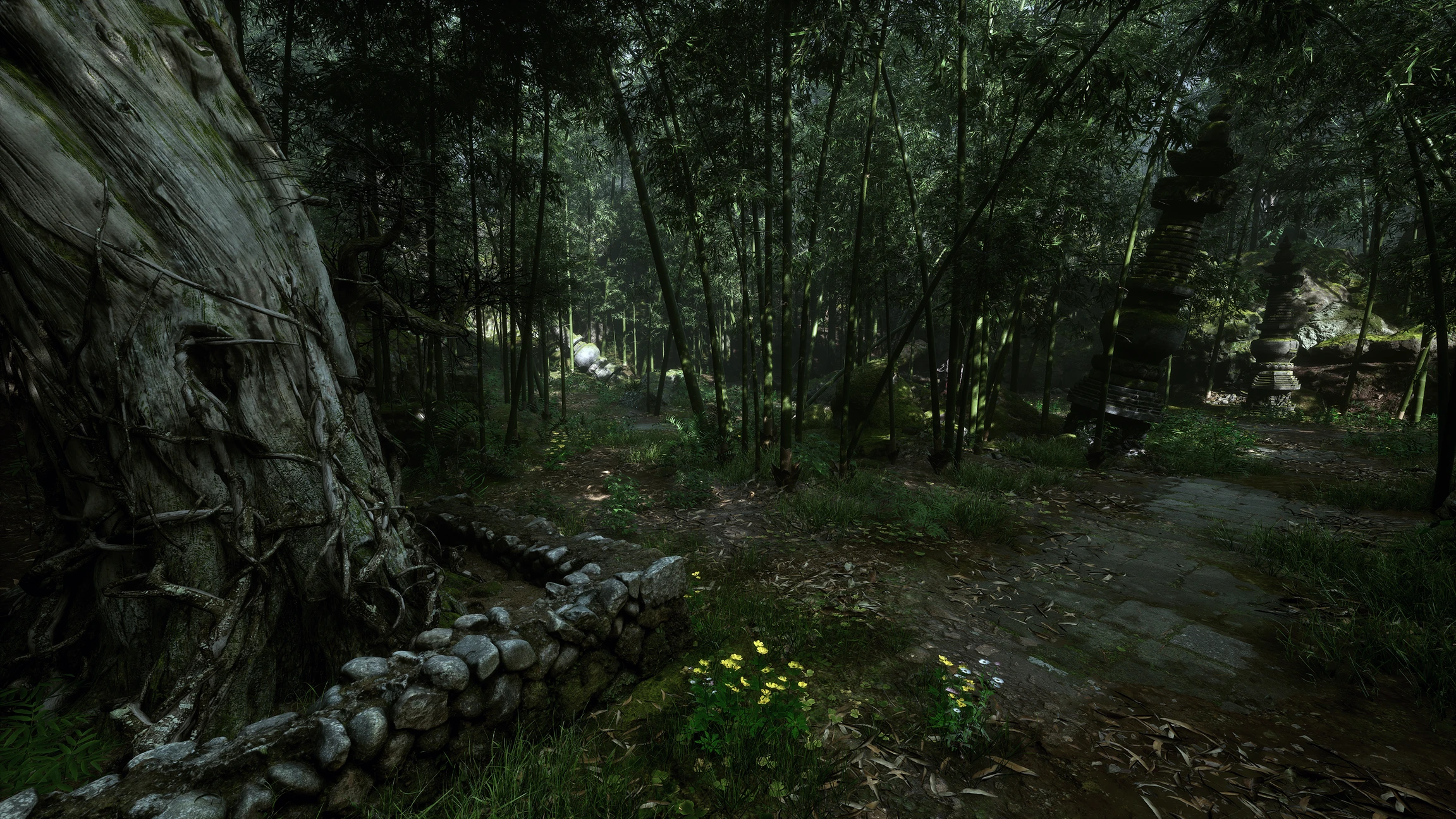
🔍 Analysis
- 👍 3.0% endorsement rate — high engagement, a strong quality signal
- 🏆 #223 of 352 Miscellaneous mods in this game by downloads
📋 About This Mod
Calibration:
- In game brightness: 50%
- Ray Tracing: Off
- LG OLED Monitor: White Balance (temperature balance) set to Natural/Normal/0 (Not a fan of the default Warm tone balance)
User Customization:
- Tonemap: Included in reshade so you can adjust the saturation to your own liking.
1. Download "Black Myth - DEPTH RESHADE" preset from nexusmods and extract to directory of choice
2. Download and begin the install of Reshade 6. 2 from Home (reshade.me)
3. Select "b1-Win64-Shipping.exe" from the game selection menu
4. Select "DirectX 10/11/12" for the rendering API
5. From the Preset menu, select "Browse" and navigate to the folder where you downloaded/extracted the "Black Myth - DEPTH RESHADE" Preset to earlier.
6. Reshade will scan the profile file and prepopulate the shaders required
7. Select Next and Finish to complete installation.
8. Play the game!
A ReShade preset for Black Myth: Wukong that boosts black levels for OLED displays while preserving white highlights and color saturation. With 28 endorsements and 940 downloads, it's a niche visual tweak for players seeking deeper blacks without washed-out colors.
✨ Key Features
📊 Pros & Cons
✅ Pros
- Tiny but dedicated following (28 endorsements) — the 940 downloads show real interest
- Targets OLED panels specifically, so it's tuned for that hardware
- Simple ReShade preset — drop-in and go, no complex setup
⚠️ Cons
- Only 28 endorsements — not a widely tested preset
- Last updated September 2024 — may not be compatible with future game patches
For Black Myth: Wukong players with OLED monitors who want deeper blacks without crushing highlights. Skip if you're on a standard LCD or prefer a more dramatic visual overhaul.
💡 Beginner Tips
- Make sure ReShade is installed and set to load the preset file in-game via the ReShade overlay.
- Test the preset in a dark area of the game to see the black level changes — adjust the strength if needed.
- If you're using HDR, this preset may not work as intended; consider disabling HDR for the best effect.
📊 Mod Details
- Game
- Blackmythwukong Mods
- Author
- Altra001
- Version
- 1.1
- Downloads
- 940
- Endorsements
- 28
- Category
- Miscellaneous
- Created
- 8/28/2024
- Updated
- 9/1/2024
🔧 How to Install Black Myth: Wukong Mods
Download from Nexus Mods.
📖 Full step-by-step install guide for Black Myth: Wukong →
Visit the official mod page for specific installation instructions for this mod.
🎮 Need cheat codes or console commands? Check ur gaming wiki for Black Myth: Wukong commands, item IDs, and more.
Keep browsing — more Black Myth: Wukong mods await