Reshade Filter for better Sharpness Contrast and Colors
⚪ Last updated 2020Preview
🔍 Analysis
- 👍 5.0% endorsement rate — high engagement, a strong quality signal
- 🏆 #16 of 38 Visuals and Graphics mods in this game by downloads
📋 About This Mod
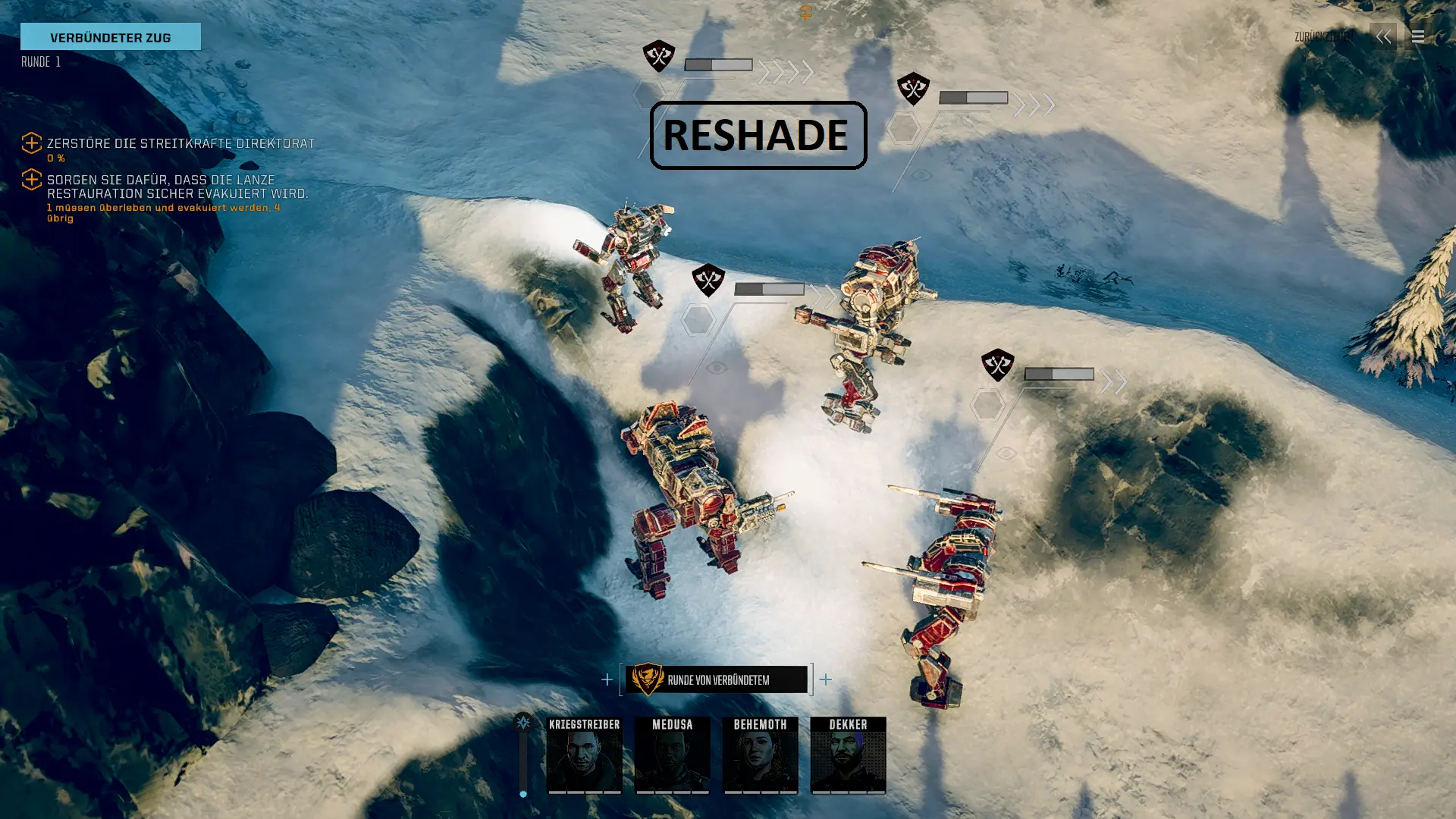
Another Reshade Filter, which gives you more Contrast, Sharpness and Colors. For the best result you need 2 other mods, i will linked to them here. Look the video i've uploaded, for seeing the result of this filter.
Installation:
-
[]Install Reshade
[
]Copy the ini file from this package to your "YourSteamFolder\steamapps\common\BATTLETECH" folder[]Start the Game
[]Press the Pos1 Key, and double klick in the Top field. Choose the ini File here
[]Enjoy
Needed Reshade Filters (you must not install the complete Filter library, you needed only this filters):
-
[]Clarity.fx
[]FakeHDR.fx
[]SMAA.fx
[]ColourFulness.fx
[]AdaptiveSharpen.fx
[]FilmGrain.fx
*You can turn off FilmGrain, if you like a CrystalClear Image. The Grain is not the heavy how the Original Grain is.
-
[]Clarity.fx
A Reshade filter preset that boosts contrast, sharpness, and color saturation for a more vibrant look. With 56 endorsements and over 1,100 downloads, it's a niche choice for players wanting a quick visual upgrade without manual tweaking. Last updated in 2020, so compatibility with current game versions may vary.
✨ Key Features
📊 Pros & Cons
✅ Pros
- Simple drop-in preset—no complex setup required.
- Decent community traction with 56 endorsements and 1,120 downloads.
- Gives an immediate visual punch without needing to fiddle with settings.
⚠️ Cons
- Last updated in 2020—might not work with the latest game patches or Reshade versions.
- No before/after screenshots or detailed settings provided, so you're flying blind.
- Preset is a one-size-fits-all; may not suit every monitor or personal taste.
For players who want a quick, no-fuss visual boost to contrast, sharpness, and colors without diving into Reshade's deep settings. Skip if you prefer to tweak every slider yourself or if you're on a newer game version that might break compatibility.
💡 Beginner Tips
- Make sure you have Reshade installed and running before adding this preset.
- If the preset doesn't show up in-game, check that the file is placed in the correct game folder.
- Adjust the preset's intensity in Reshade's in-game overlay if it feels too strong or too weak.
📊 Mod Details
- Game
- Battletech Mods
- Author
- Kriegstreiber
- Version
- 1.0
- Downloads
- 1,120
- Endorsements
- 56
- Category
- Visuals and Graphics
- Created
- 2/24/2020
- Updated
- 2/24/2020
🔧 How to Install Battletech Mods
Download from Nexus Mods.
📖 Full step-by-step install guide for Battletech →
Visit the official mod page for specific installation instructions for this mod.
🎮 Need cheat codes or console commands? Check ur gaming wiki for Battletech commands, item IDs, and more.
Keep browsing — more Battletech mods await