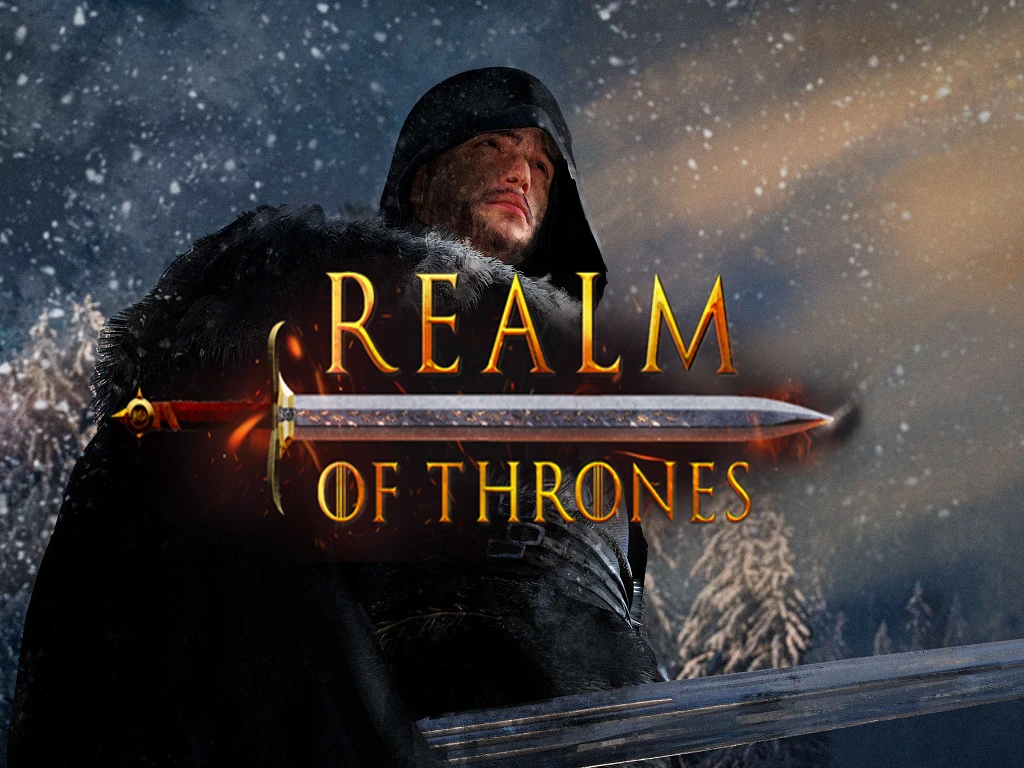
Realm of Thrones
🟡 Updated this yearPreview
🔍 Analysis
- 👍 0.9% endorsement rate
- 🏆 #1 of 23 Total Conversions mods in this game by downloads
📋 About This Mod
Welcome to the official Nexus page of
This total overhaul mod for Mount and Blade 2: Bannerlord based on Game of Thrones is an immersive experience that takes players deep into the world of Westeros, Essos, and everything in between. Set in the time period of the War of the Five Kings, the mod allows players to take on the role of one of the many factions vying for control of the Seven Kingdoms. The mod features all of the major houses and characters from the Game of Thrones series, including the Starks, Lannisters, Baratheons, Targaryens, and more. Each faction has unique units and tactics, and players must use strategy and diplomacy to gain the upper hand in the ongoing conflict.
If you are enjoying the content and want to be more involved in it's future, then our Discord is the perfect place for you! Join today to connect with other players, discuss strategies, share your experiences, and get the latest updates on developments for the mod. Click the button below to become a part of the community!
INSTALLATION GUIDE (for 6. 0)
Before you download the new version of Realm of Thrones, delete any old Realm of Thrones files from your Modules folder (for the file path to delete old files, see step 5). Doing this is extremely important because any leftover files will result in a crash.
1. Ensure your game version is set to 1. 3. 15
2. Download ROT 7. 1 for Bannerlord 1. 3. 15 or ROT 8. 0 for Bannerlord 1. 3. 15 and Warsails dlc module
3. Unzip ROT 8. 0 using 7zip
4. Open ROT 8. 0 folder, then open Modules folder
5. Drag and drop the 4 modules into your Modules folder located in your Mount & Blade 2: Bannerlord directory (below is the file path for Steam; if you aren't using Steam, you can either Google your platform's file paths or join our Discord and someone can assist you!)
C:/Program Files (x86)/Steam/steamapps/common/Mount & Blade II Bannerlord
*Ensure there are no errors during extraction especially if using a different unzipping method than 7zip
6. Download any dependencies that are required to run Realm of Thrones (Harmony, UI Extender, and Mod Configuration Menu are required)
7. Launch the game and ensure Harmony and any other dependencies are above the Native game Modules
8. The four ROT Modules should appear in your Mods list in the launcher and will automatically sort themselves below the Native game Modules (this only applies to the ROT Modules; any other additional Modules need to be manually sorted)
9. Press "Play" and enjoy the game
(Example of how the load order should automatically sort itself)
Additional Modules Integrated into Realm of Thrones:
(These modules do not need to be downloaded in addition to ROT since they are integrated)
-Banner Color Persistence
-Molochs Duels
-Stop Starving Yourselves
SPECIAL THANKS
-Carbon for work on Enlistment, White Walker Invasion and Event System
-Cheyron for siege event base and Battle of the Blackwater coding
-Whitegoat for custom UI
-Quakank for permission to include Banner Color Persistence
-Lemmy1916 for their work on the map
-Windwhistle for the base code of Kingdom Destruction
-Nwetta for their work on the dragons, chariots and duel wield
-Gulag Enabler for their work on custom 3D art
(https://www.artstation.com/r
Realm of Thrones is a total conversion mod for Mount and Blade 2: Bannerlord that transports players to the world of Game of Thrones during the War of the Five Kings. It features major houses, unique units, and strategic gameplay. With 12,767 endorsements and 1.4M downloads, it's a popular choice for fans of the series.
✨ Key Features
📊 Pros & Cons
✅ Pros
- Huge community favorite with 12,767 endorsements and 1.4M downloads
- Immersive Game of Thrones experience with iconic houses and characters
- Active Discord community for support and updates
⚠️ Cons
- Requires specific game version (1.3.15) and may need Warsails DLC for version 8.0
- Installation requires manual file deletion and dragging modules, which can be error-prone
- Last updated April 2026, but version compatibility may change with future Bannerlord updates
For Mount and Blade 2: Bannerlord players who are huge Game of Thrones fans and want to experience Westeros in a sandbox strategy game. Perfect for those who enjoy total conversions with deep faction variety and diplomacy. Skip if you prefer vanilla gameplay or aren't interested in the Game of Thrones setting.
💡 Beginner Tips
- Before installing, delete any old Realm of Thrones files from your Modules folder to avoid crashes.
- Set your game version to 1.3.15 in Steam's betas tab to ensure compatibility.
- Use 7zip to extract the mod files, then drag the modules into your Bannerlord Modules folder.
📊 Mod Details
- Game
- Bannerlord Mods
- Author
- Carolina Warlord
- Version
- 8.1.1
- Downloads
- 1,441,135
- Endorsements
- 12,958
- Category
- Total Conversions
- Created
- 4/30/2021
- Updated
- 8/17/2026
🧩 Commonly Used Together
Users add these mods to the same collections — a real compatibility signal, not an AI guess.
🔧 How to Install Bannerlord Mods
Use Vortex or manual. Enable mods in launcher. Harmony required.
📖 Full step-by-step install guide for Bannerlord →
Visit the official mod page for specific installation instructions for this mod.
🎮 Need cheat codes or console commands? Check ur gaming wiki for Bannerlord commands, item IDs, and more.
Keep browsing — more Bannerlord mods await