Transmog Enhanced
⚪ Last updated 2024⚠️ Install Order · 2 steps
Install in this order, then this mod last — most mods fail to load without their framework and dependencies in place.
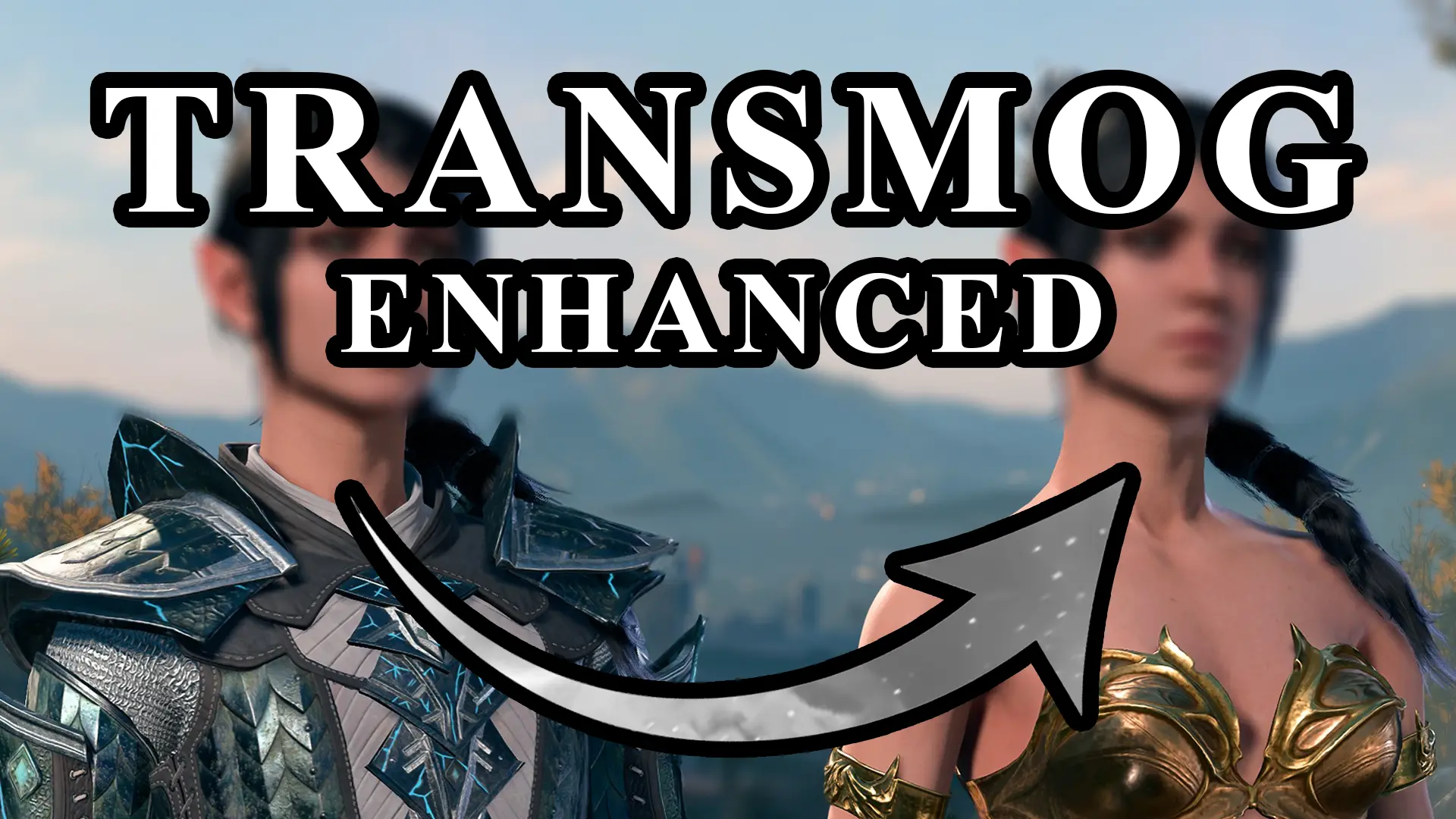
Preview
🔍 Analysis
- 👍 1.5% endorsement rate — high engagement, a strong quality signal
- 🏆 #9 of 515 Gameplay mods in this game by downloads
📋 About This Mod
This mod requires Norbyte's Script Extender. You install it by dropping it into the bin folder in your game directory.
Additionally, if you're using the BG3 Mod Manager, you can go to "Tools"-> "Download & Extract Script Extender" to have the manager install it for you.
Important Info:
This mod will let you change the appearance of almost any equippable item, including modded items.
When you load into a save, the HOST of the lobby (character you have selected when loading)
should get 2 items "Transmog Appearance" and "Reset Appearance".
These two items have instructions in their description, please follow the steps written in the item.
These items are only given to you once. They will stay where you last put them so don't lose track of them.
Some things to be aware of:
- This SHOULD work with modded items. Some items may be made weird, though. Let us know of any that don't work
- It's HIGHLY recommended to save/reload after doing all of your glamours
- The items need to be equippable in the same slot to glamour (the exception to that is camp body/feet work on armor body/feet and vice versa)
- You will get an Invalid Combination even on a success. You know it worked if you get a new item.
- If you see Invalid Combination and you did not receive an item, it means either the items are incompatible or an error occurred
(Errors will be shown in the SE console)
- Equippable quest items may break. We have not done testing on them, be aware and careful. Reset them with the flower if needed
- If you are playing in multiplayer, do not transmogrify at the same time. Please take turns to prevent issues
- Uninstalling the mod and saving the game a few times MAY prevent you from restoring the glamoured appearance if you ever re-install
- Most updates to this mod should retroactively apply fixes by unglamouring and glamouring items to any problem items
Compatibility
:
This mod should be compatible with everything.
Please let us know of any compatibility issues.
Installation:
BG3 Mod Manager is recommended.
Use either the Vortex Mod Manager or the BG3 Mod Manager and install this mod.
Make sure you deploy your mods if using Vortex or export the mod list if using BG3 Mod Manag
Transmog Enhanced lets you glamour the appearance of almost any equipable item onto another, including modded items. With 19,655 endorsements and 1.3M downloads, it's a highly popular gameplay mod for players who want visual customization without sacrificing stats.
✨ Key Features
📊 Pros & Cons
✅ Pros
- Huge community trust: 19,655 endorsements and 1.3M downloads show this mod is a staple for many players.
- Works with modded items, so you can mix and match visuals from your favorite mods.
- Simple concept, massive impact: change how your gear looks without losing stats.
⚠️ Cons
- Last updated May 2024 — might not be compatible with the latest game patches, so check for updates.
- No detailed instructions in the description; you'll need to figure out the exact steps or rely on community guides.
- Glamouring is cosmetic only — if you're looking for gameplay changes, this isn't it.
For players who want their character to look exactly how they want, without being tied to the stats of a specific armor piece. Perfect for fashion-conscious adventurers and those who use many modded items. Skip if you prefer gameplay-altering mods or don't care about appearance.
💡 Beginner Tips
- Make sure to place the mod files in the correct directory (e.g., Data folder for Bethesda games) and enable it in your mod manager.
- Test the glamour on a cheap item first to understand the interface before applying it to your best gear.
- If you're using other mods, load Transmog Enhanced after them to ensure it recognizes modded items.
📊 Mod Details
- Game
- Baldurs Gate 3 Mods
- Author
- Eralyne and Wayden
- Version
- 1.1.2
- Downloads
- 1,273,376
- Endorsements
- 19,655
- Category
- Gameplay
- Created
- 10/4/2023
- Updated
- 5/3/2024
🔗 Required By 9 Mods
These mods list this mod as a dependency.
🧩 Commonly Used Together
Users add these mods to the same collections — a real compatibility signal, not an AI guess.
🔧 How to Install Baldurs Gate 3 Mods
Download from Nexus.
📖 Full step-by-step install guide for Baldurs Gate 3 →
Visit the official mod page for specific installation instructions for this mod.
🎮 Need cheat codes or console commands? Check ur gaming wiki for Baldurs Gate 3 commands, item IDs, and more.
Keep browsing — more Baldurs Gate 3 mods await