Tidal-Wave Reshade Preset
⚪ Last updated 2024⚠️ Install Order · 2 steps
Install in this order, then this mod last — most mods fail to load without their framework and dependencies in place.
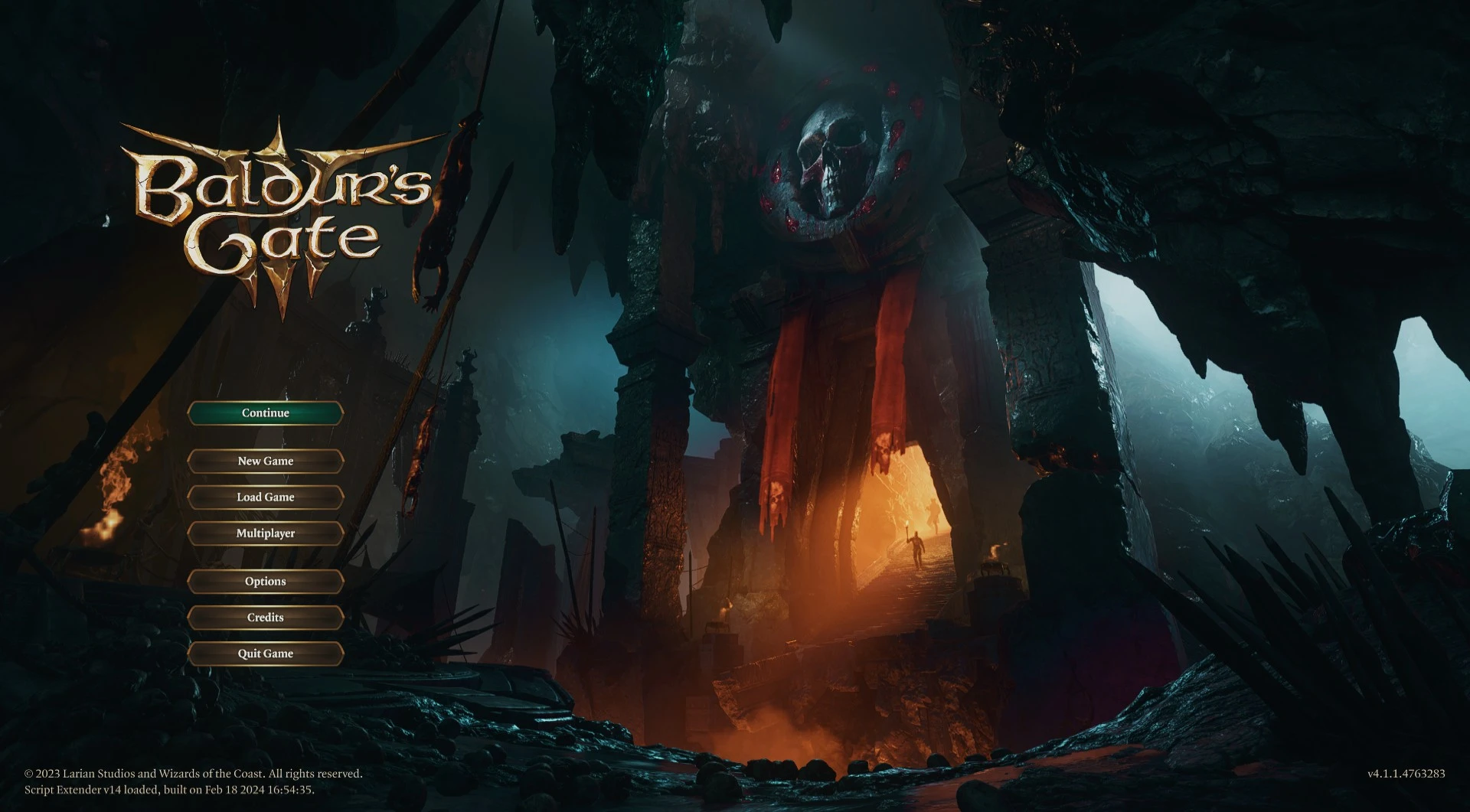
Preview
🔍 Analysis
- 🏆 #76 of 83 Visuals mods in this game by downloads
📋 About This Mod
Adds a soft, slightly hazy, blue-ish green tone to the environment
Slightly inspired by the blue-ish greens tones in Twilight, but didn't want something so dark.
You need the latest version of ReShade with add-on support: download from ReShade website
1. Download the file
2. Place the .ini file in your bin folder (where the game .exe is and should also be where ReShade is)
3. Load the game, ReShade should load everything in
4. Press 'Home' and select the dropdown menu to see the shader files, select 'Tidal-Wave v1'
📊 Mod Details
- Game
- Baldurs Gate 3 Mods
- Author
- saturnseagoat
- Version
- 1
- Downloads
- 167
- Endorsements
- 12
- Category
- Visuals
- Created
- 4/16/2024
- Updated
- 4/16/2024
🔧 How to Install Baldurs Gate 3 Mods
Download from Nexus.
📖 Full step-by-step install guide for Baldurs Gate 3 →
Visit the official mod page for specific installation instructions for this mod.
🎮 Need cheat codes or console commands? Check ur gaming wiki for Baldurs Gate 3 commands, item IDs, and more.
Keep browsing — more Baldurs Gate 3 mods await