Dusky Moon Reshade
⚪ Last updated 2023⚠️ Install Order · 2 steps
Install in this order, then this mod last — most mods fail to load without their framework and dependencies in place.
Preview
🔍 Analysis
- 👍 4.7% endorsement rate — high engagement, a strong quality signal
- 🏆 #132 of 156 Visuals mods in this game by downloads
📋 About This Mod
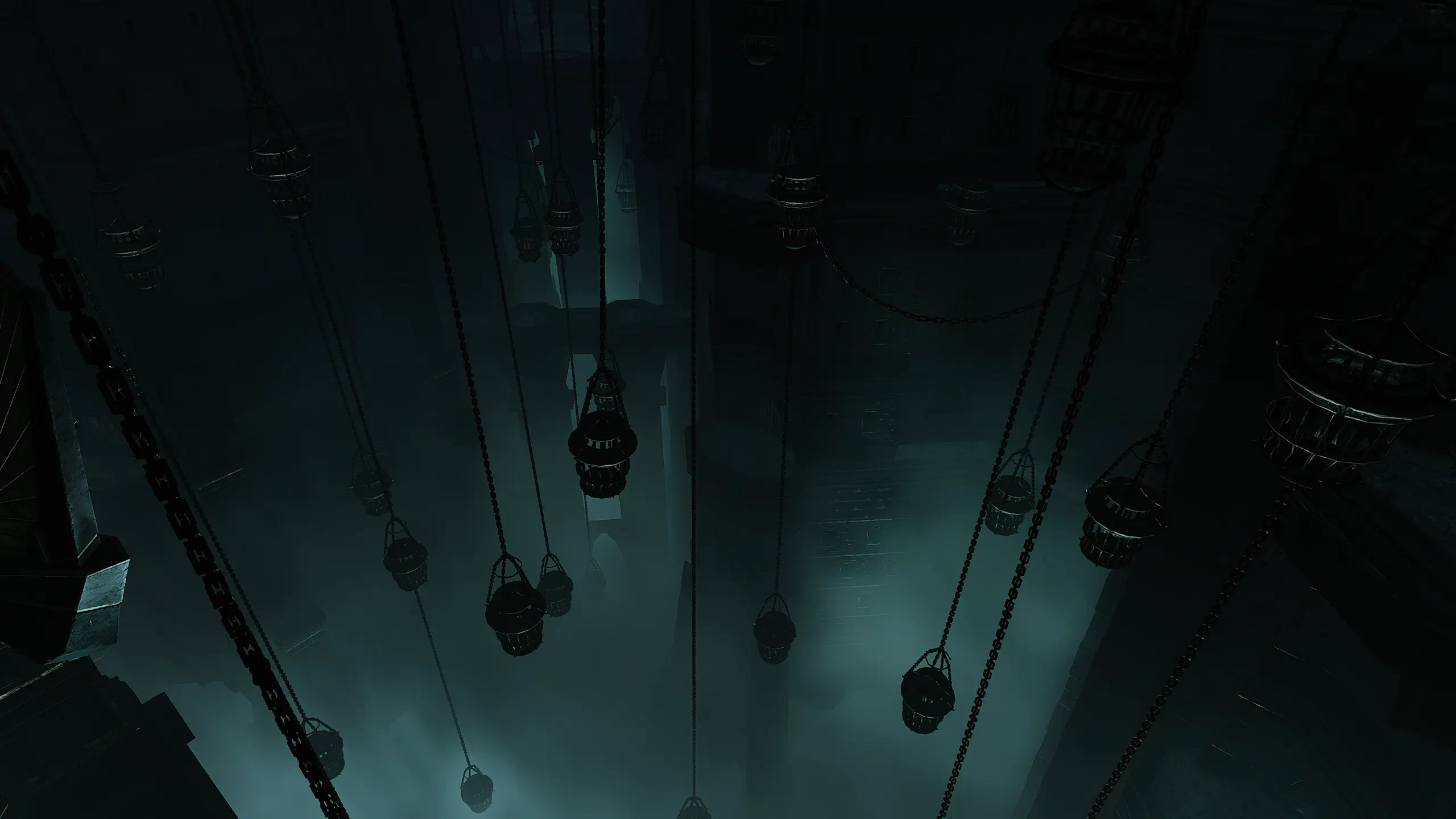
i just started an evil playthrough and i wanted a reshade preset that could fit that theme better(but at the same time not overly desaturated and way too dark) so i created this! i see this as the evil twin sister to my other preset gleaming sun, hence the name lol:3 everything is customizable
>>>
reshade installation
1. go to reshade.me and press download
2. start setup and navigate to the game's bin folder and select bg3.exe if you run the game with vulkan, bg3_dx11 if you run with directx 11.
steam path: C:>Program Files (x86)>Steam>steamapps>common>Baldurs Gate 3>bin
3. select rendering api. vulkan or directX 11
4. finish installation, i recommend downloading all shaders and textures
preset installation
1. download rar file
2. open rar file and drag the .ini file into the bin folder (the same folder you downloaded reshade to)
3. open game, wait for shaders to load and then press HOME on your keyboard to open reshade; from the dropdown menu select dusky moon
<<<
Dusky Moon Reshade is a darker ReShade preset for Skyrim, designed for players who want a moodier, more evil atmosphere. With 193 endorsements and over 4,000 downloads, it's a compact, popular choice for those seeking a quick visual overhaul.
✨ Key Features
📊 Pros & Cons
✅ Pros
- Community-approved with 193 endorsements
- Over 4,000 downloads show it's a go-to for dark vibes
- Lightweight preset that doesn't require a ton of setup
⚠️ Cons
- No screenshots or detailed description—you're flying blind on the look
- Last updated in 2023—might not be tuned for the latest ReShade versions
- Only one preset, so no variety if you want different dark moods
For Skyrim players who want a quick, darker atmosphere for their evil characters without fiddling with ENB. If you're into roleplaying as a villain or just prefer a moodier game, this is for you. Skip if you want a full visual overhaul or need screenshots to judge the effect.
💡 Beginner Tips
- Make sure you have ReShade installed first—this is just the preset file.
- If the game looks too dark, tweak the gamma settings in ReShade's in-game menu.
- Check the mod's comments section for any user-shared screenshots or tweaks.
📊 Mod Details
- Game
- Baldurs Gate 3 Mods
- Author
- snippis
- Version
- 1.0
- Downloads
- 4,149
- Endorsements
- 193
- Category
- Visuals
- Created
- 8/17/2023
- Updated
- 8/17/2023
🔧 How to Install Baldurs Gate 3 Mods
Download from Nexus.
📖 Full step-by-step install guide for Baldurs Gate 3 →
Visit the official mod page for specific installation instructions for this mod.
🎮 Need cheat codes or console commands? Check ur gaming wiki for Baldurs Gate 3 commands, item IDs, and more.
Keep browsing — more Baldurs Gate 3 mods await