Better Biomes for 7D2D v. 3.0 (and previous versions)
🟡 Updated this yearThis mod may not work until the author updates it. Check for an update, or see the rollback guide.
🖼️ Gallery (7 images)

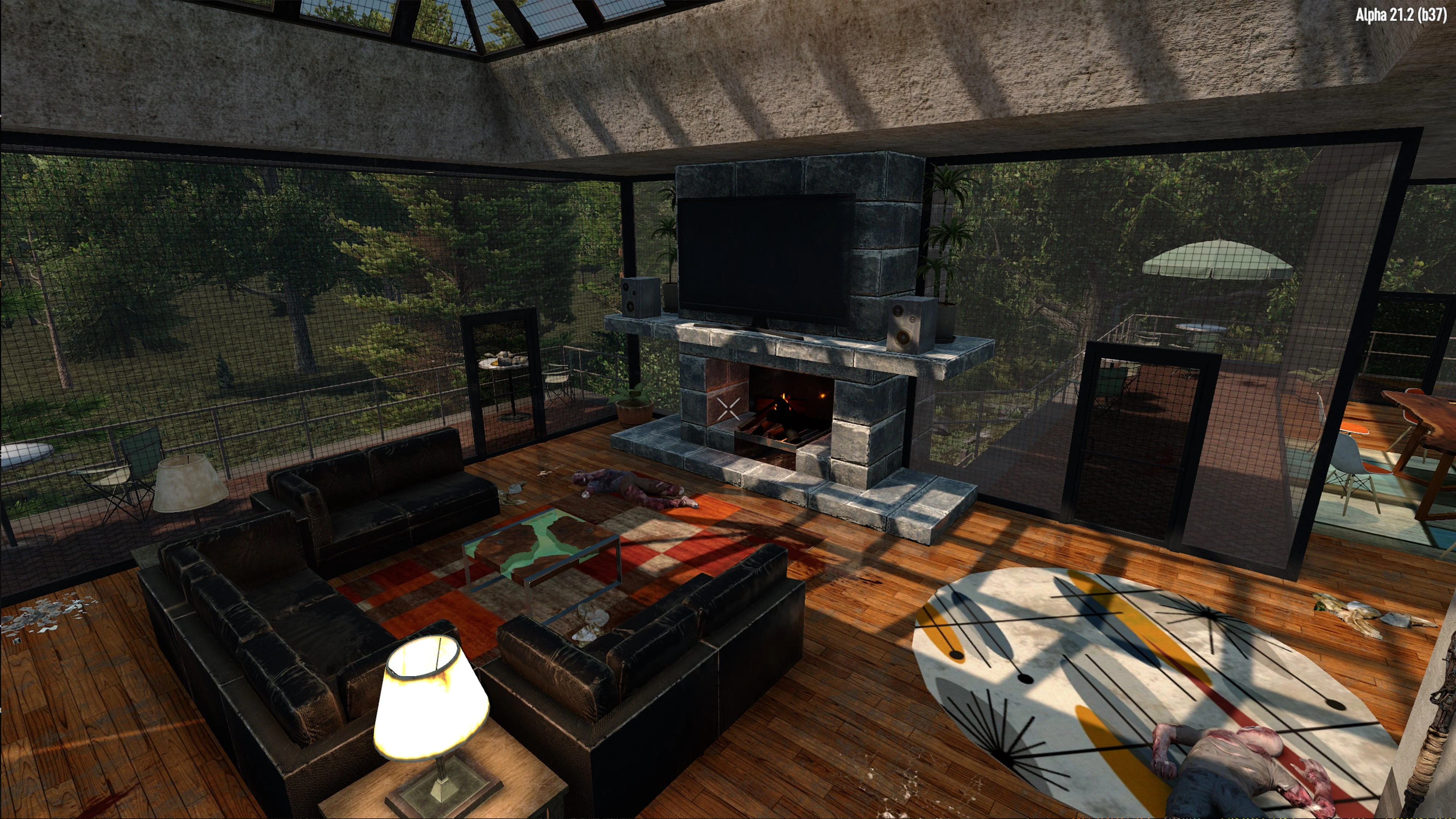
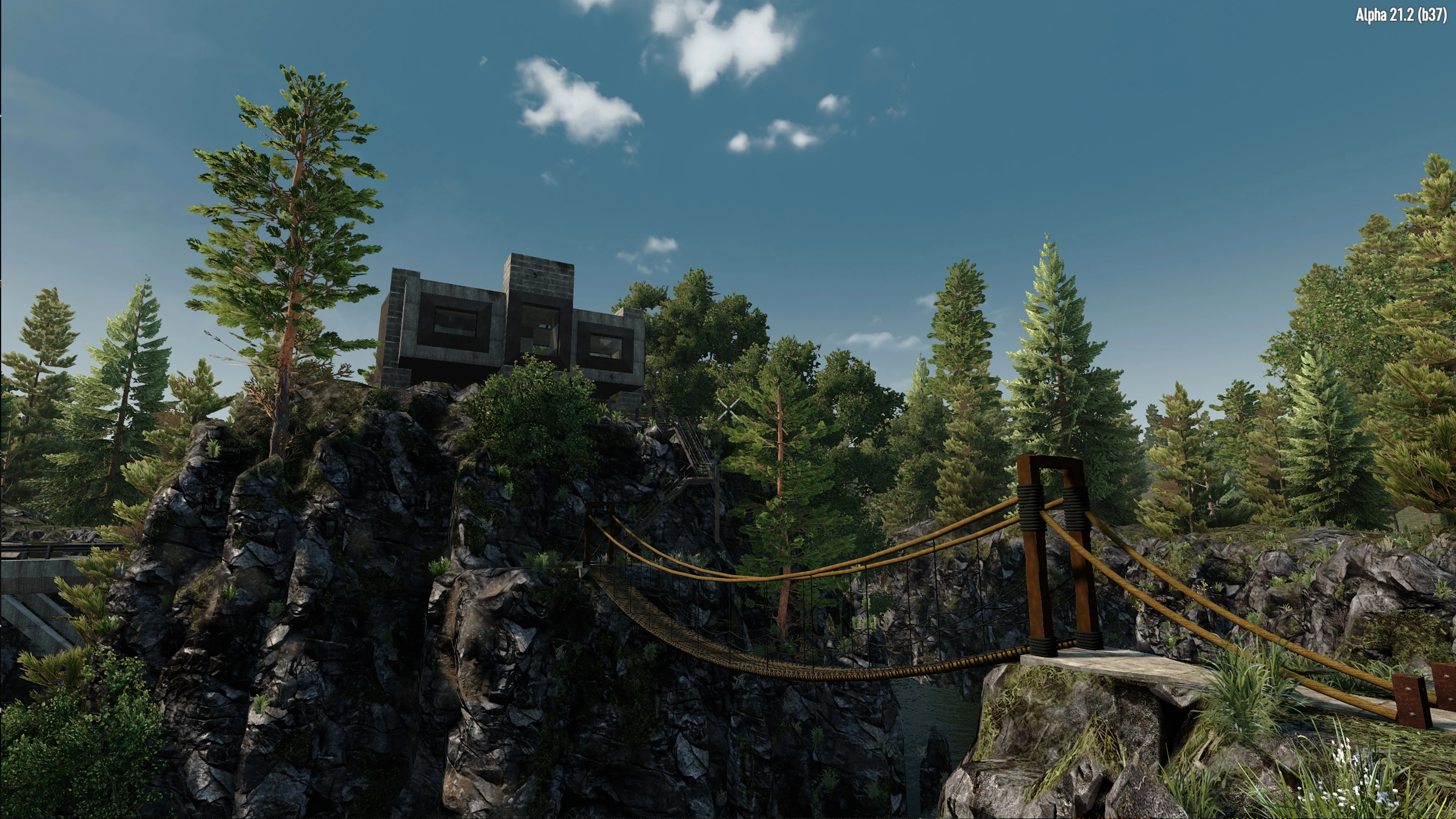


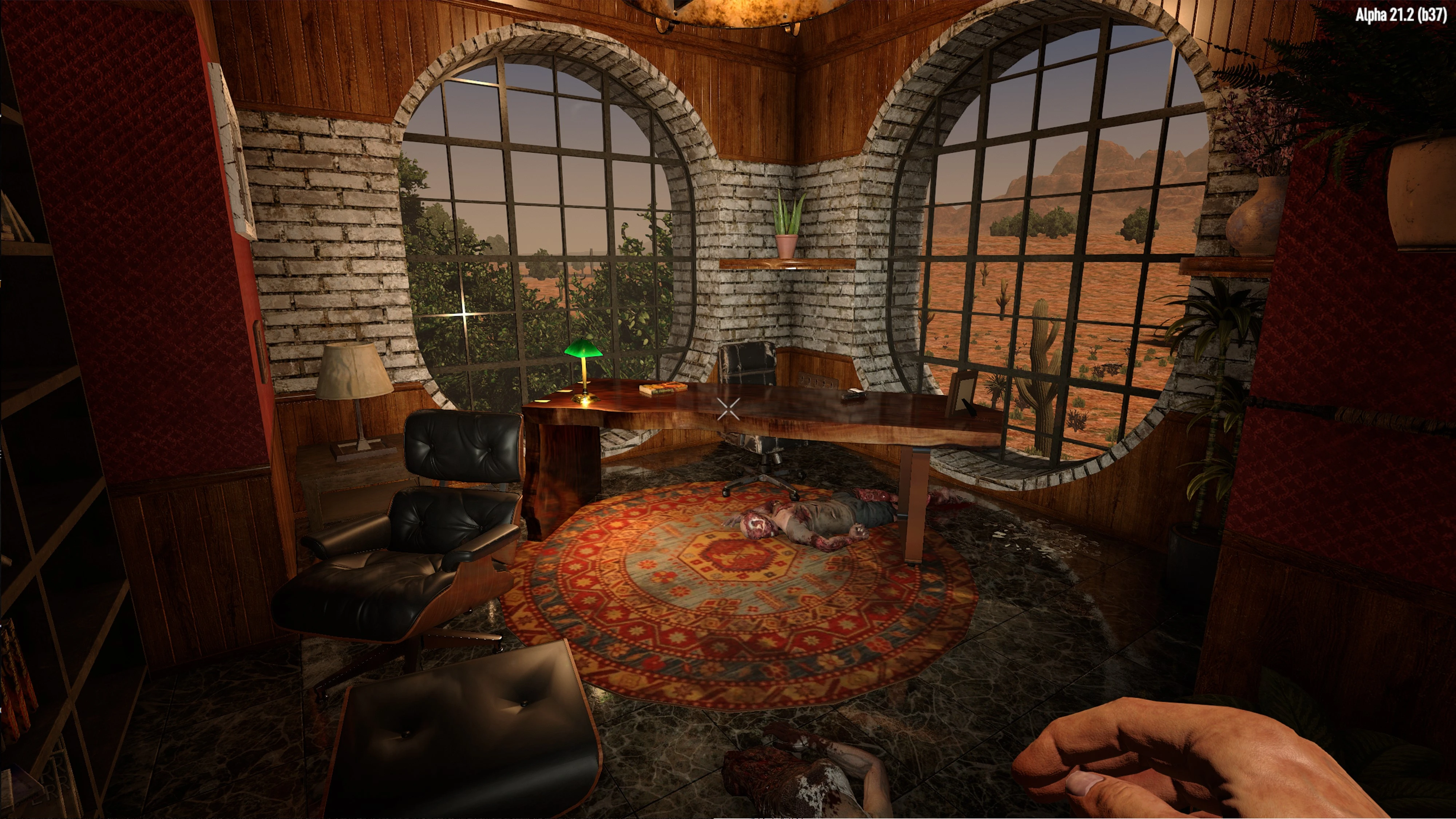
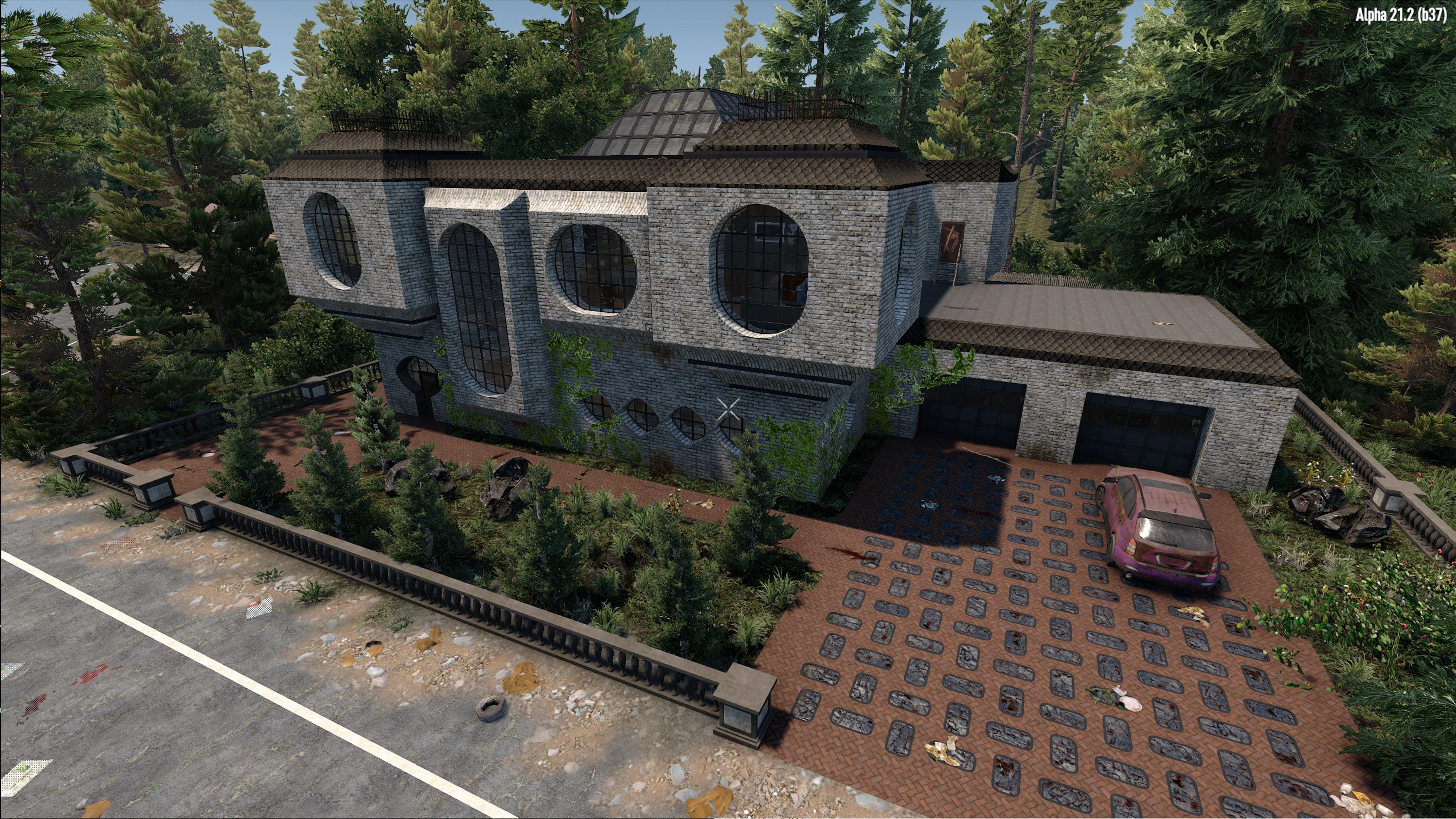
🔍 Analysis
- 👍 1.5% endorsement rate — high engagement, a strong quality signal
- 🏆 #1 of 11 Environment mods in this game by downloads
📋 About This Mod
New Update for 7D2D v3. 0
Stump/Honey bug fixed - compatible with V2. 0 through 3. 0
This mod adds a touch more immersion with the addition of fallen trees and underbrush to all of the biomes.
This mod has been completely re-worked with the addition of many new foliage assets. New trees, bushes, grass, flowers, cactus, and tree trunks.
Nine different custom tree trunks replace the plain, vanilla version. Because the underbrush makes locating the new trunks more difficult, I have increased their spawn chance in the world. Additionally, if you see bees flying around, you are relatively close to one.
The hit boxes for the various shrubs and bushes are now located at the surface level. They can be harvested as normal, or you can place down a frame on the shrub's origin point and it will be removed.
This can be used with existing game-saves. However, you will have to go to areas on the map where you previously have not been.
Fallen trees can be harvested or picked up (for a seed or single wood resource) .
There are various reasons for the, but mainly it to allow the trees to conform to the slope of the terrain and be able to spawn at 45 degree angles - providing a more random look. If you look at the tree trunk you will see a message that you can pick it up. You can do this or your can harvest the tree with an axe at this same location. This is just one of those compromises I had to take in order to get the appearances I was looking for: One of those pros-vs-cons situations.
* This is not a server-side only mode for multi-play. Mod must be installed on all of the clients as well.
I would strongly recommend testing the mod prior to dedicating yourself to a game. This may not work well if you have an older/slower computer system.
It is recommended that you turn off Occlusion on the video settings (from the main menu). This will fix a known issue with some blocks/assets becoming invisible on occasion.
I would highly recommend using this mod alongside my new Urban Decay mod - the immersion that both mods add to the game is quite satisfying: Urban Decay
You may also want to give my Prefab Pack a try! MPLogue's Prefab Pack
INSTALLATION:
Step 1: Download the mod
Step 2: Extract the Zip files to your users/username/appdata/roaming/7daystodie/Mods folder
Step 3: Start game and create a new RWG map (If your game was running when you installed the mod folder, you must re-start your game)
Step 4: Enjoy the game!
If you run into any problems with objects intermittently disappearing, you will want to go back to your Main Menu, and turn off Occlusion in your video settings (See last picture in the photo gallery). Not sure what this does, but it fixes this problem:
Change Log
-
[]Updated for compatibility with 7D2D v2. 0[/]
- [
[
]Custom tree trunks added (spawn chance increased)[/][
]Custom mushrooms can be found and harvested in the Green Biome[/][
]All hit boxes for the various shrubs and bushes are now located at the surface [/]- [
[
]Added: Bare and Bare fallen Oak tree[/][
]Added: Underwater scrub and dead trees
Better Biomes for 7D2D is an environment mod that adds fallen trees and underbrush to all biomes, with new foliage assets like trees, bushes, grass, flowers, and cactus. It features nine custom tree trunks, harvestable shrubs, and compatibility with existing saves, though it requires client-side installation for multiplayer.
✨ Key Features
📊 Pros & Cons
✅ Pros
- High download count of 98,272 indicates strong community interest.
- 1,515 endorsements show positive reception from users.
- Recently updated (June 2026) and compatible with versions 2.0 through 3.0.
⚠️ Cons
- Not server-side only; must be installed on all clients for multiplayer.
- May not perform well on older or slower computer systems.
- Requires turning off Occlusion for optimal experience.
This mod is for 7 Days to Die players who want a more immersive and varied environment with new foliage and tree types. It's ideal for those who enjoy exploring new areas and don't mind a performance hit on older hardware. Players with low-end systems or those who prefer minimal mod dependencies should skip it.
💡 Beginner Tips
- Test the mod before committing to a long game, especially if your computer is older.
- Turn off Occlusion in the game settings to avoid visual glitches.
- Explore uncharted areas of your map to see the new biomes, as existing areas won't update.
📊 Mod Details
- Game
- 7 Days To Die Mods
- Author
- Michael Logue
- Version
- 3.1
- Downloads
- 98,272
- Endorsements
- 1,515
- Category
- Environment
- Created
- 7/15/2024
- Updated
- 6/17/2026
🧩 Commonly Used Together
Users add these mods to the same collections — a real compatibility signal, not an AI guess.
🔧 How to Install 7 Days to Die Mods
Use Vortex or manual. Most mods go in /Mods/ folder.
📖 Full step-by-step install guide for 7 Days to Die →
Visit the official mod page for specific installation instructions for this mod.
🎮 Need cheat codes or console commands? Check ur gaming wiki for 7 Days to Die commands, item IDs, and more.
Keep browsing — more 7 Days to Die mods await